|
Gemini
| #250
Gemini: How to Generate Files Directly From a Chat
Want to see these tips early? Subscribe to the newsletter!
Today we're talking about an extremely underrated trick that streamlined my workflow in Gemini and hopefully you find it useful as well, let's dive right in! 😁
Generate files directly in Gemini
Put simply, we can now create Google Docs, Sheets, Slides, PDFs (full list of supported formats below) directly in our Gemini chats!
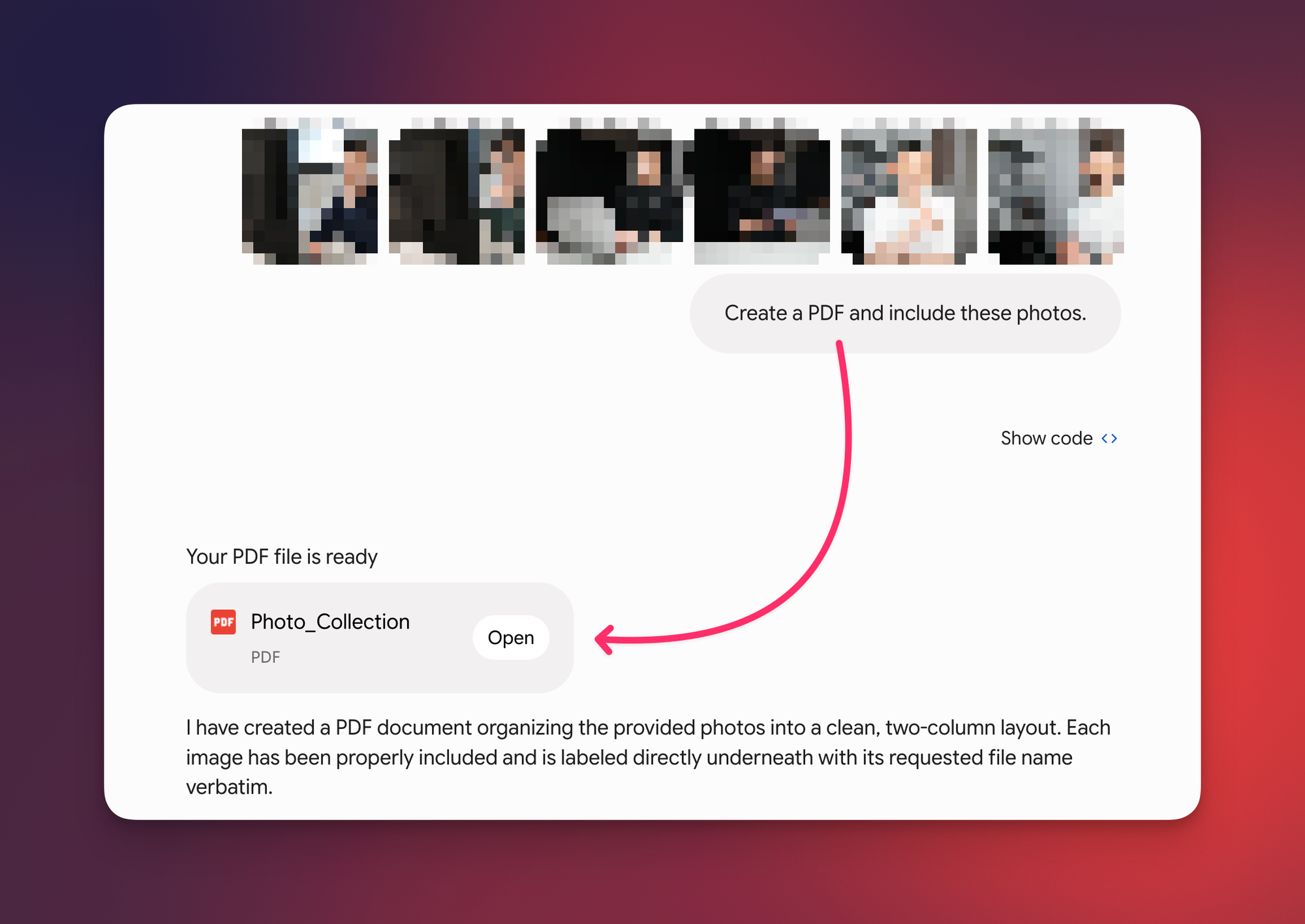
It builds the real, formatted file right there in the chat, reducing the effort of copying, pasting, and formatting text into different applications.
Supported formats include: Workspace files (Docs, Sheets and Slides), .pdf, .docx, .xlsx, .csv, LaTeX, Plain Text (TXT), Rich Text Format (RTF) and Markdown (MD).
Turn a messy audio recording into a clean text file
I have a habit of recording my doctor's appointments just in case I need to revisit something the doctor said, and I used to have to ask Gemini to (1) analyze the audio and output the full transcript in chat, then (2) paste that transcript into a Google Doc.
Here's my new workflow:
- Open Gemini and upload the audio recording
- Tell Gemini to "Turn this audio recording of a recent doctor's visit into a one-page executive summary in a Google Doc."
- Receive a Google Doc that's already saved in my Google Drive (although I wish Google gave us the option to more easily save the file to a specific folder)
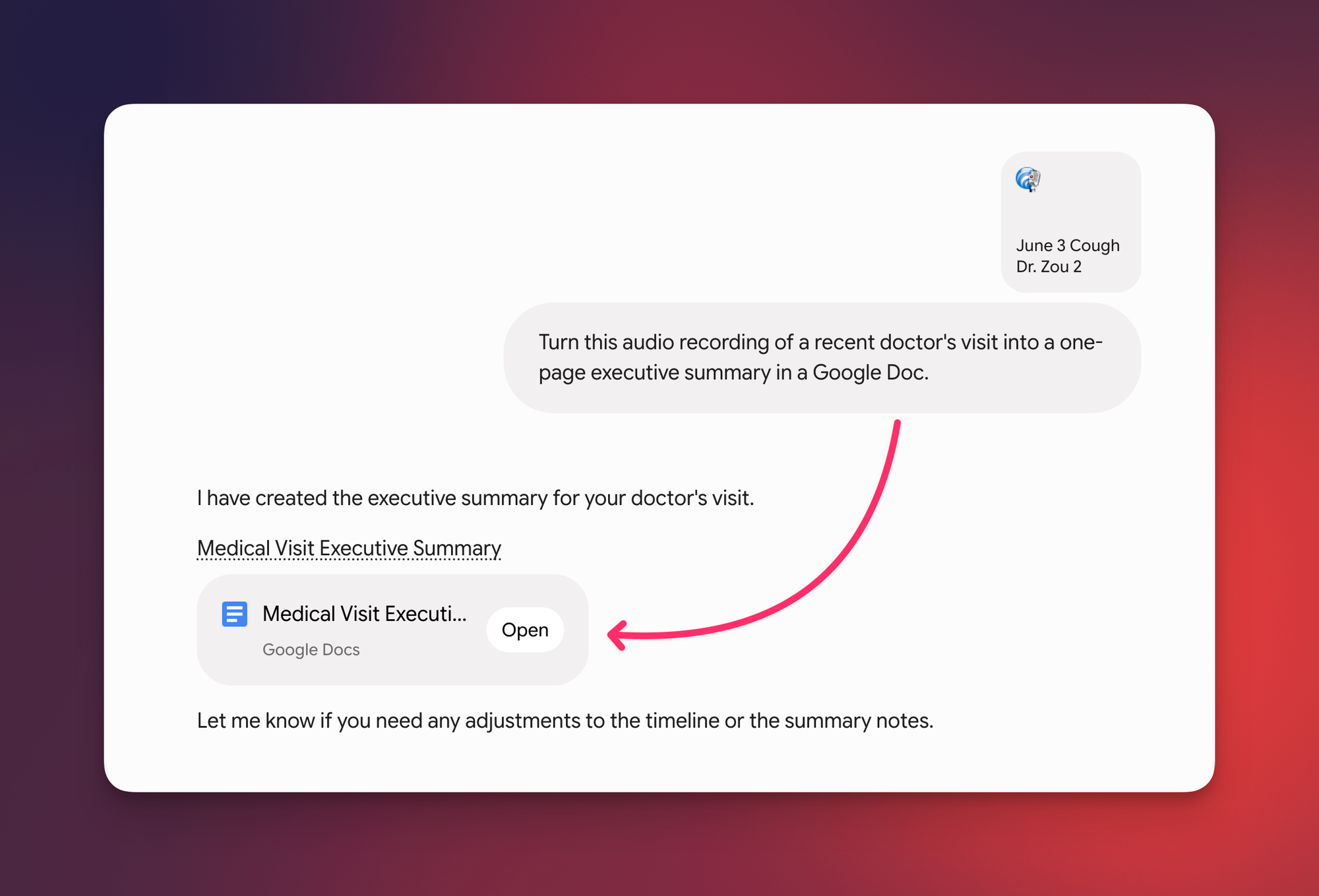
That's it. You can (obviously) swap the inputs and outputs and the same move holds: a meeting recording → Slides, a cluttered spreadsheet → a tidy .csv, a pile of notes → a Microsoft Word doc.
💡
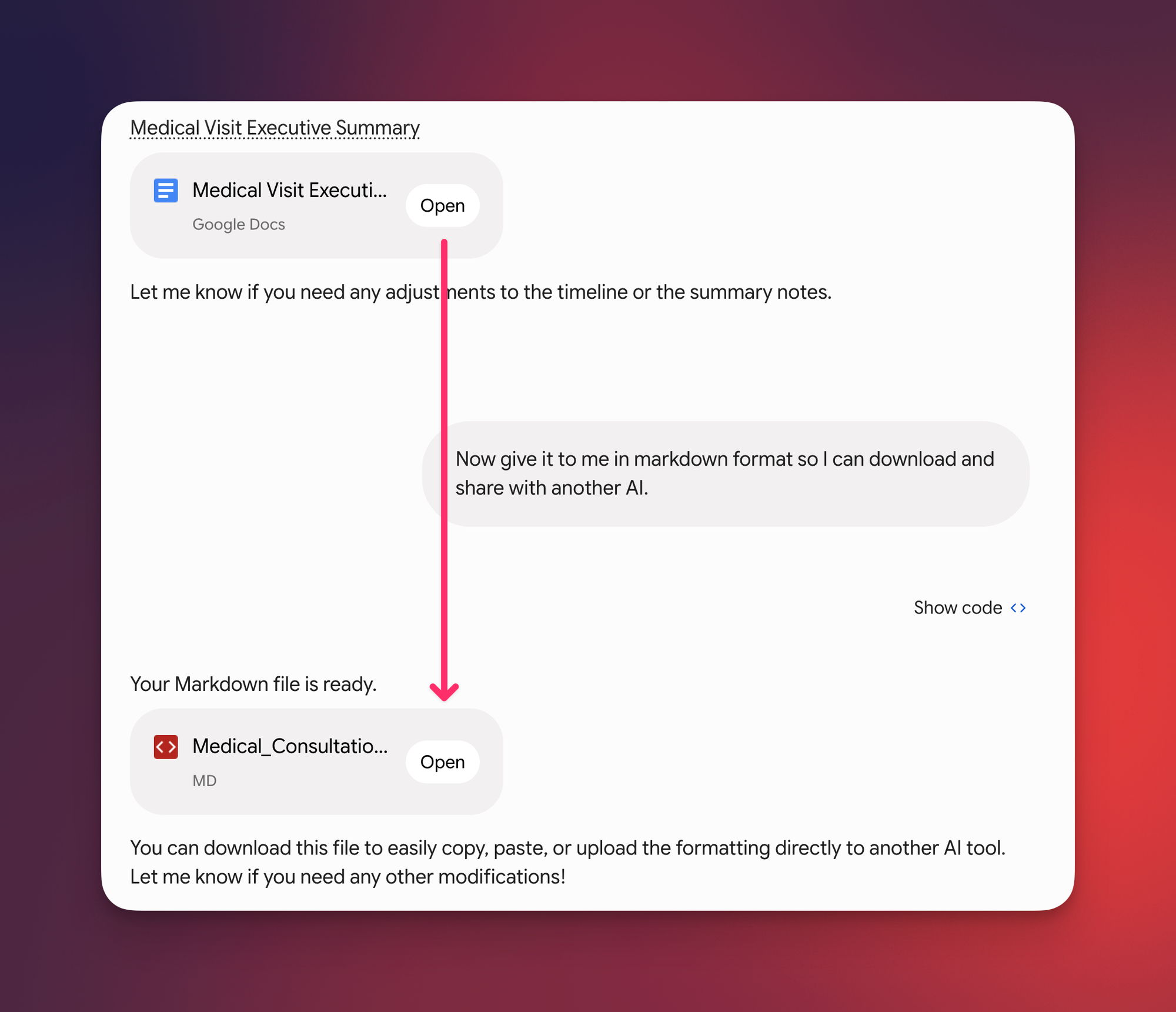
Pro tip: Need it somewhere else? Ask Gemini for the same summary as a Markdown file. Markdown (.md) is the format most AI tools read cleanly, so you can download it and hand it to another AI tool without the formatting falling apart.
Try this one out this week and let me know how it goes! 😁
By the way, I've been playing around with Gemini Spark for a while now, and I'm pretty impressed with the initial findings. Stay tuned for a full tutorial!
Whenever you're ready, here are some other ways I can help you:
💻 The Workspace Academy: Never lose a file, task, or note again with my CORE workflow for Google Workspace. Adopted by over 10,000 Googlers.
✅ Build Your Command Center in Notion: Plug-and-play dashboard that surfaces today's priorities automatically and organizes your life in seconds. #1 rated Notion Course globally.