|
Gmail
| #245
Gmail: How to Change Your Gmail Address
Want to see these tips early? Subscribe to the newsletter!
Hey friends, Gmail's been quietly shipping some pretty significant updates over the past few months, and so today I'm sharing the top 3 most practical ones, let's get started! 😁
Tip #1: Purchases and Travel views
Long story short, Gmail added dedicated Purchases and Travel sections to the left sidebar.
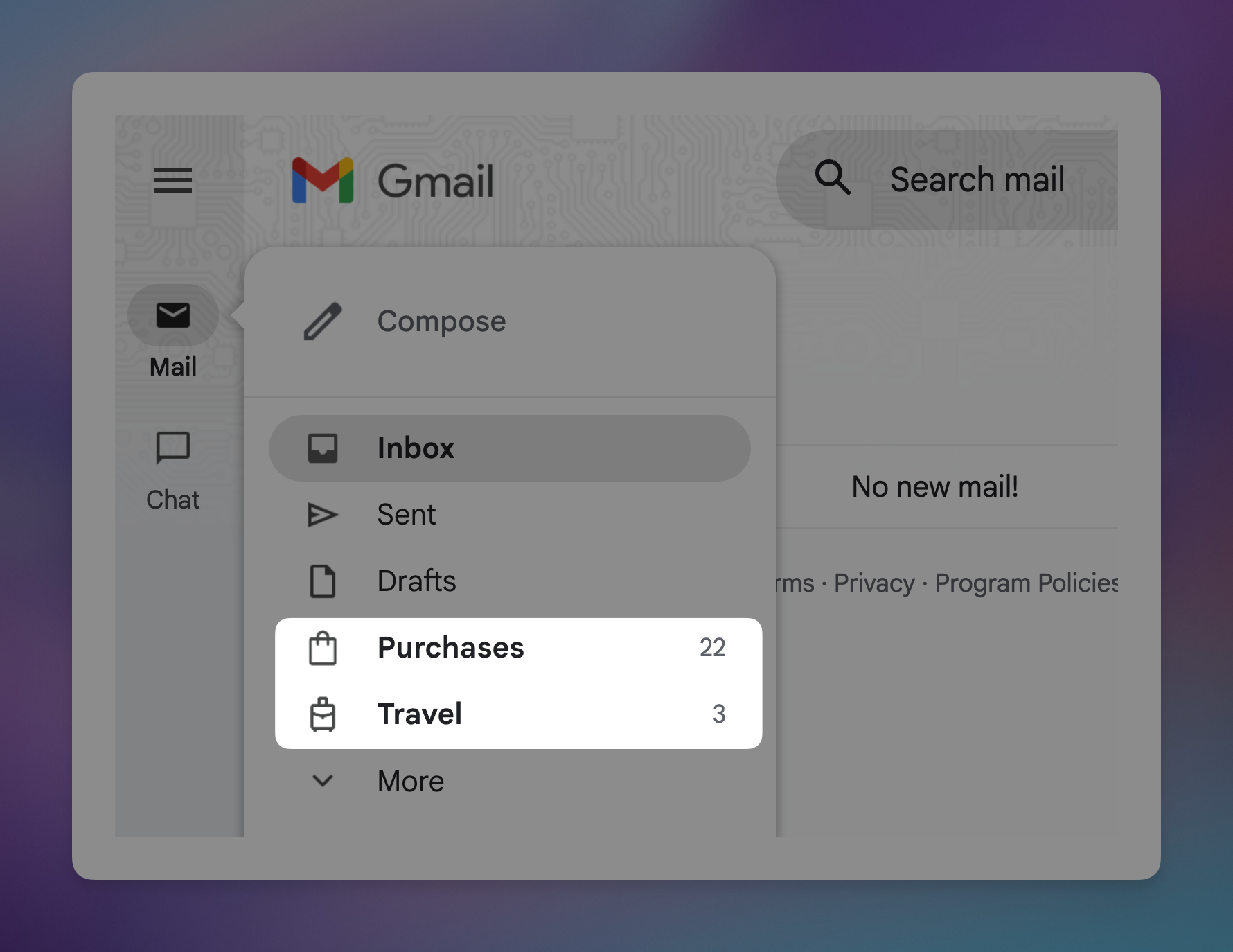
- Travel: This is particularly helpful for keeping track of tracking numbers or flight confirmations (10 minutes before heading to the airport).
- Purchases: Purchases groups your order emails by delivery status: arriving soon vs. already delivered. Travel groups flights, hotels, and reservations in one place.
Here's where to find them:
- Open Gmail
- Look for Purchases and Travel in the left sidebar (below Drafts)
- If you don't see them, click More to expand the full menu
💡
If these sections aren't showing up at all: go to Settings > General > Smart features and personalization and make sure it's turned on. It's off by default on some accounts.
Tip #2: Change your Gmail address
This is the one I'm most excited about. If you created your Gmail address in 2006 and it's something like EarthShakerxx@gmail.com (uh…for example obviously, I didn't pick an alias based on a Dota character…) you no longer have to live with that decision.
Google now lets you change your actual Gmail address while keeping everything intact: your Drive files, YouTube subscriptions, Calendar, all of it.
So, here's a better way:
- Go to myaccount.google.com
- Click Personal info > Email > Google Account email
- Click your email address
- Select Change your Google Account email
- Pick your new address
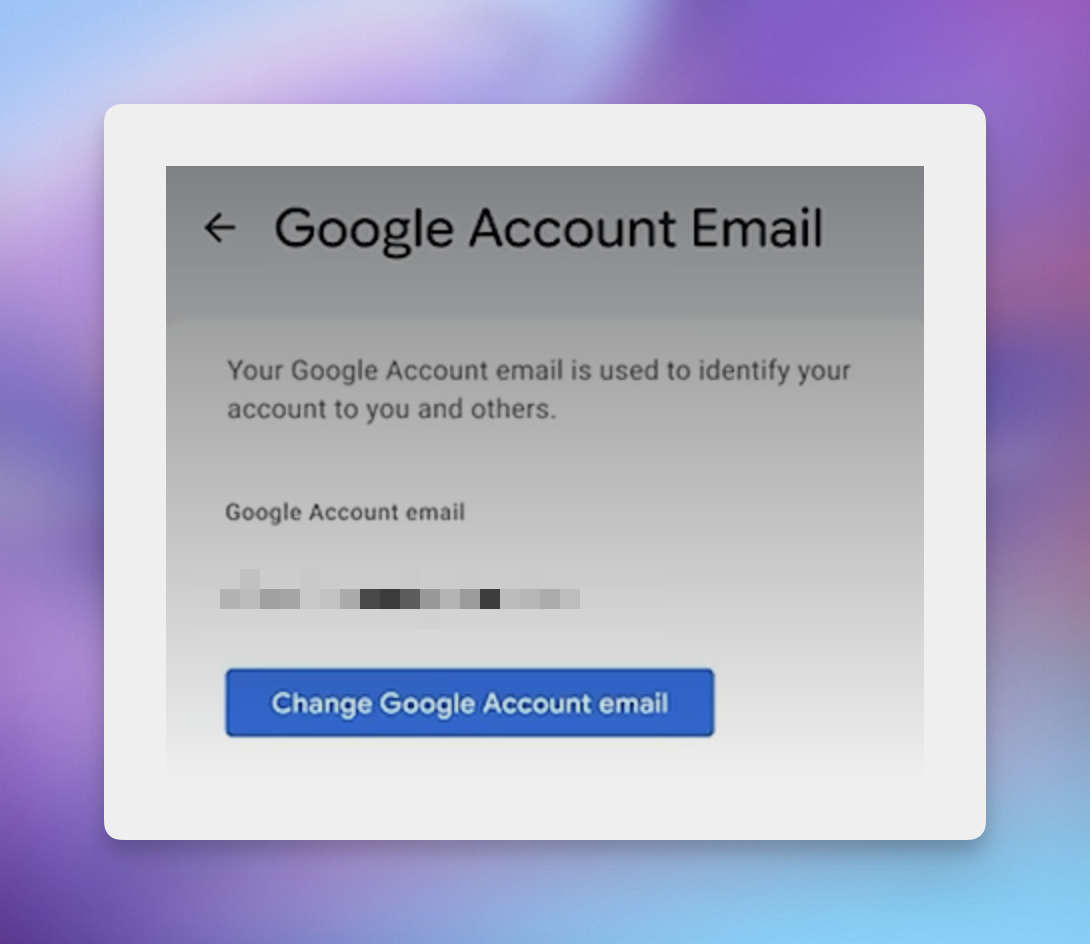
Your old address automatically becomes an alias, so emails sent to your old address still arrive in your inbox. No one even needs to know you changed it.
💡
A couple things to know: it's still being rolled out, you can only do this once every 12 months, with a lifetime max of 3 changes. So choose wisely.
Tip #3: Manage subscriptions
I mean let's be honest, this is the only newsletter you really need so this tip teaches you how to unsubscribe from all those inferior other newsletters. 😉
Gmail added a Manage subscriptions section to the sidebar. It shows every active subscription sorted by who's emailing you the most (prepare to be horrified), along with how many emails they've sent in the past few weeks.
Here's where to find it:
- Open the Gmail app on your phone
- Tap the menu icon (top left)
- Tap Manage subscriptions
- Hit Unsubscribe next to any sender you're done with
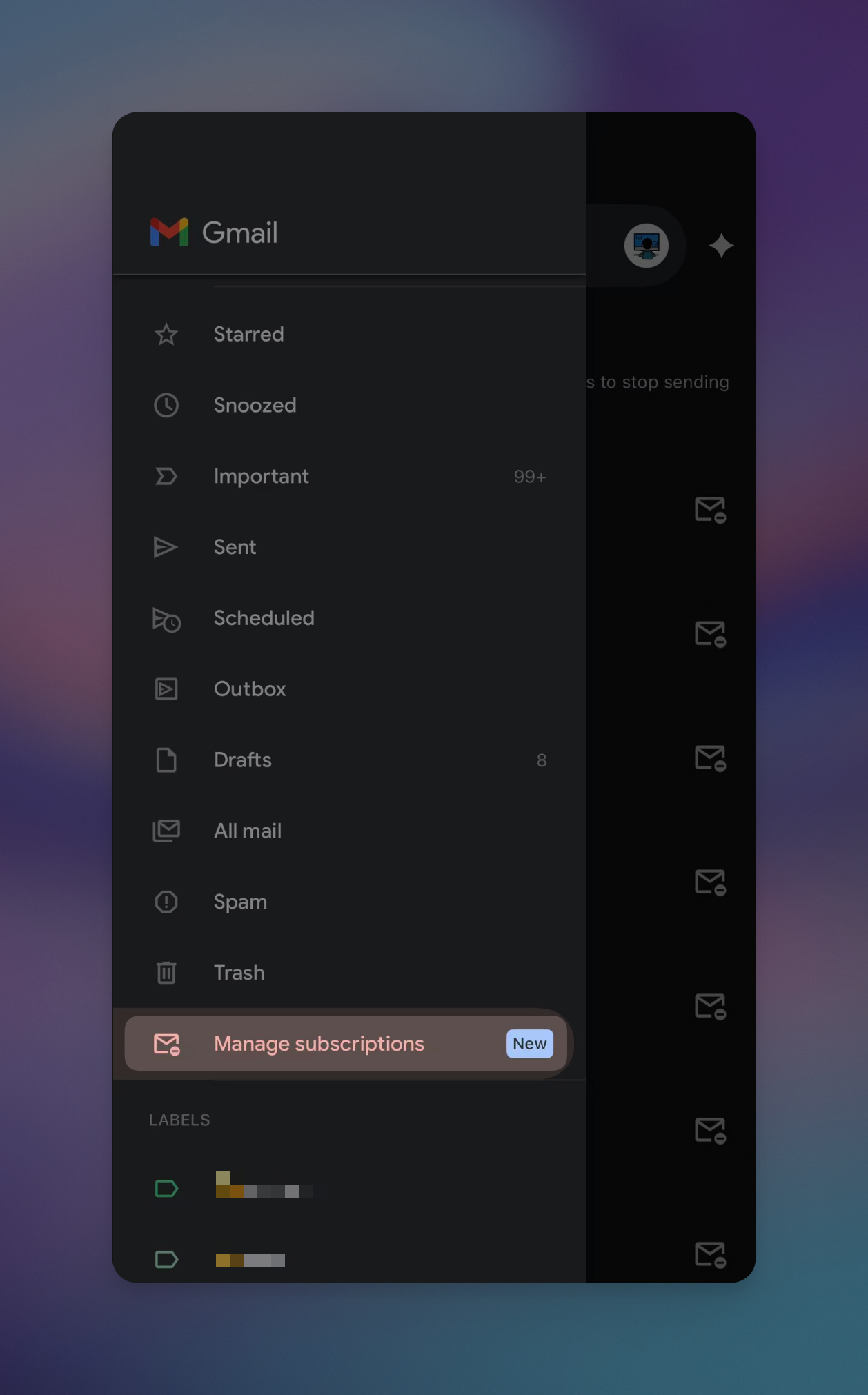
Gmail handles the unsubscribe request for you, so no more scrolling to the bottom of emails and squinting at grey-on-grey text.
💡
Fair warning: this one's most reliably found on mobile right now. If you don't see it on desktop yet, that's normal (classic Google rollout 😩). Check your phone first.
Try one of these this week and let me know how it goes! 😁
Whenever you're ready, here are some other ways I can help you:
💻 The Workspace Academy: Never lose a file, task, or note again with my CORE workflow for Google Workspace. Adopted by over 10,000 Googlers.
✅ Build Your Command Center in Notion: Plug-and-play dashboard that surfaces today's priorities automatically and organizes your life in seconds. #1 rated Notion Course globally.