| #268
How to turn PDFs into lightweight AI reference files
Want to see these tips early? Subscribe to the newsletter!
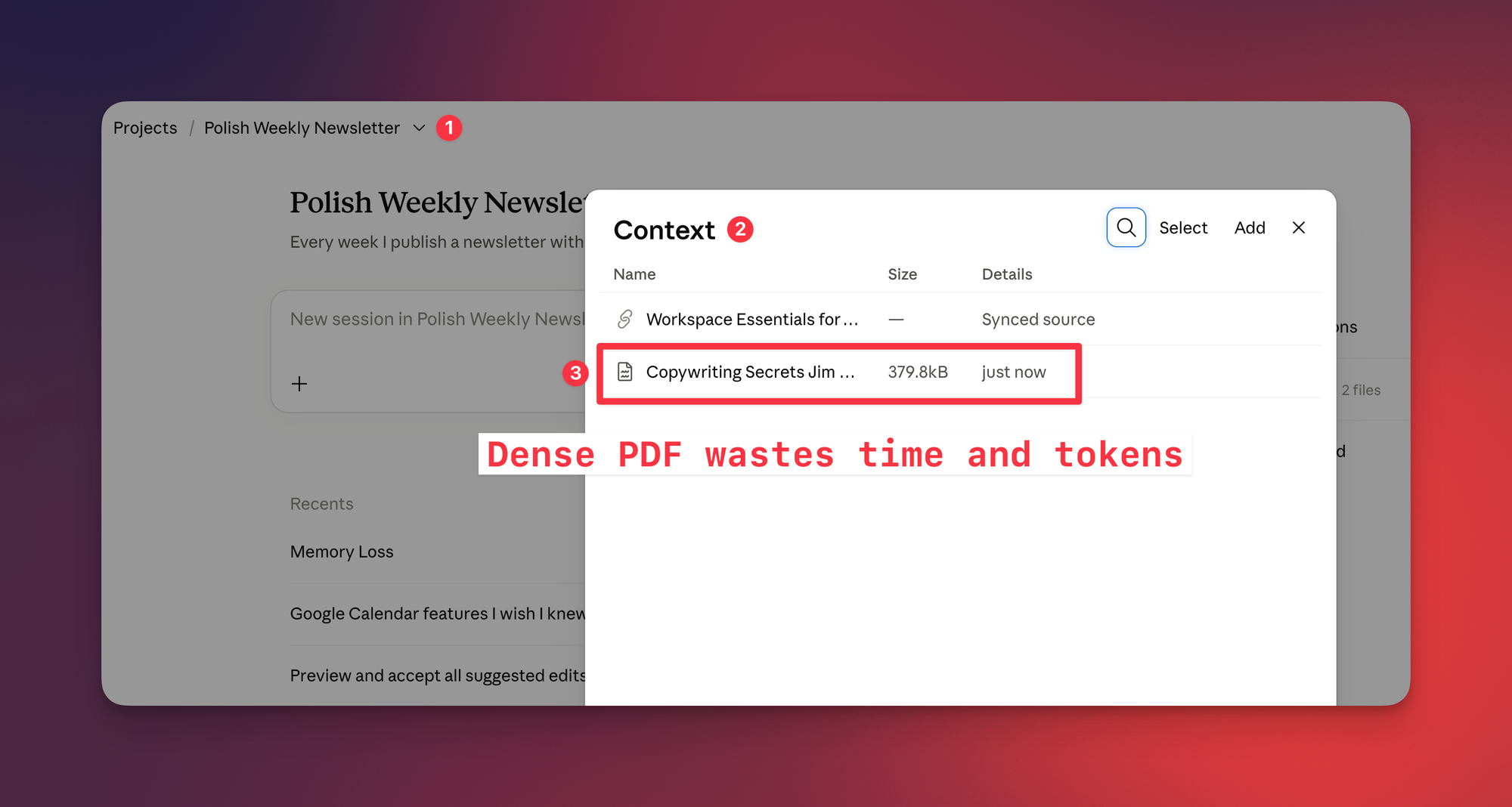
If you use Projects in Claude or ChatGPT, you’ve probably uploaded a PDF as a reference file at some point (a company handbook, a style guide, a 60-page industry report, etc).
Technically, there’s no real issue with that, BUT you’re giving your AI an entire dense document to work with, even when you only need two pages of it.
What you want to do instead is ask your AI to pull out just the parts that are relevant to you and save them as a lightweight Markdown file.
The result can be 90% smaller than the original, with far less text to load and process. That can save tokens and get you what you need MUCH faster.
What I actually need from a 42-page tax guide
Here I have Hong Kong’s 42-page tax guide, which covers every tax the Inland Revenue Department handles (a real page-turner, highly recommend).
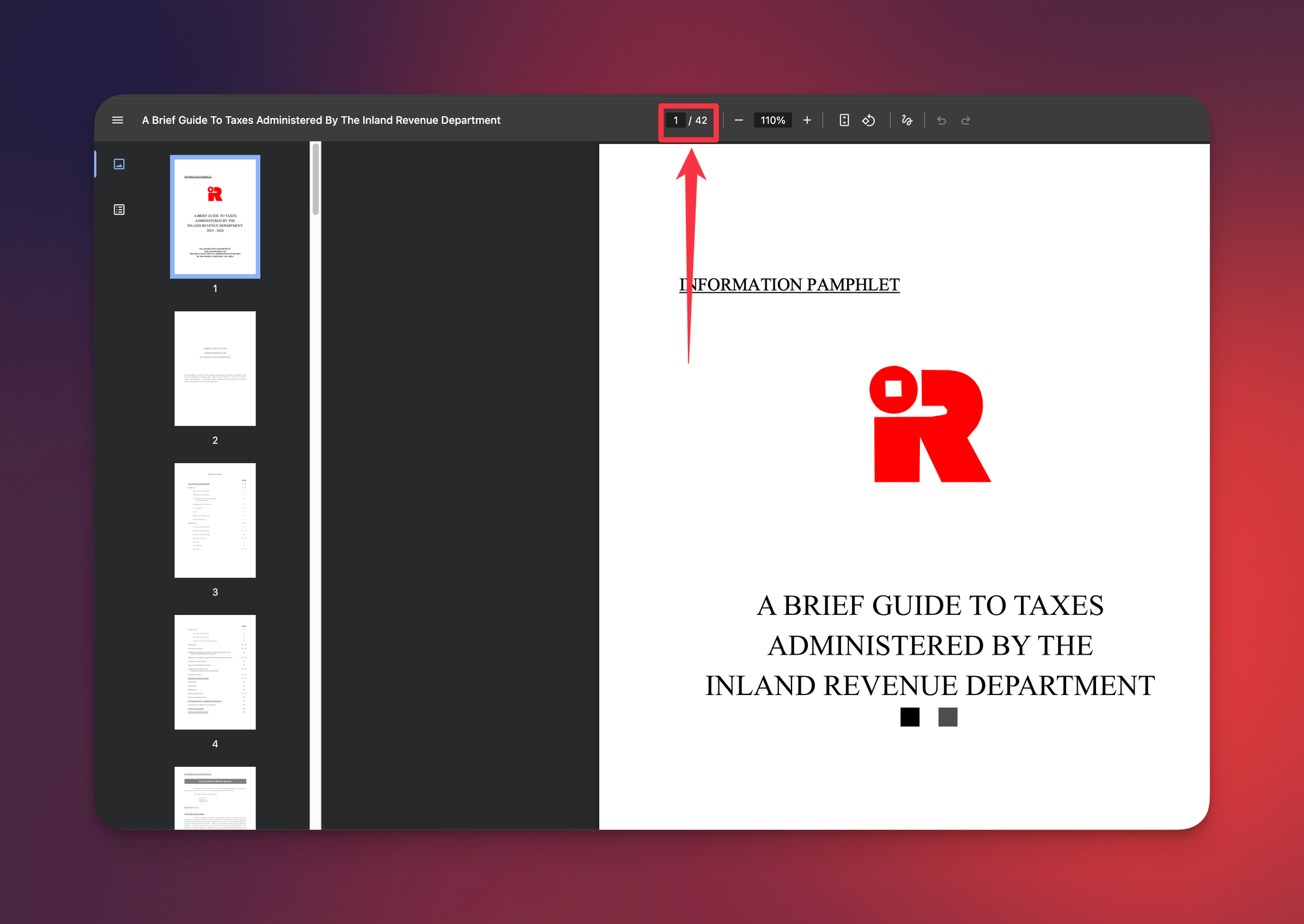
As an entrepreneur with no personal income, only a few sections of this guide actually apply to me, so there’s no reason to give my AI the ENTIRE PDF for every tax-related task.
Instead, I want it to extract just the portions that are relevant to me into one Markdown file, which becomes the reference for those tasks.
How to turn any PDF into a reference file
- Upload the PDF to any chat and paste the prompt below. Fill in who you are and what you’ll use the file for, so the AI knows what to keep.
- Save the result as a Markdown file and replace the PDF in your Project’s reference files. That’s “Context” in Claude, “Sources” in ChatGPT or a Gem’s “Knowledge” in Gemini. Keep the original PDF separately so you can check or update the extract later.
- Update your Project’s instructions. Tell the AI to use the Markdown file as its reference for that topic.
Here’s the prompt
I've attached [document name]. I'm [your role and situation], and I'll use this as a reference for [the questions or tasks you'll bring to it].

Extract only the parts that apply to my situation into a Markdown file. Use clear headings, keep exact numbers, dates and definitions, and note the page each item comes from so I can check it against the original. Leave out everything that doesn't apply to me.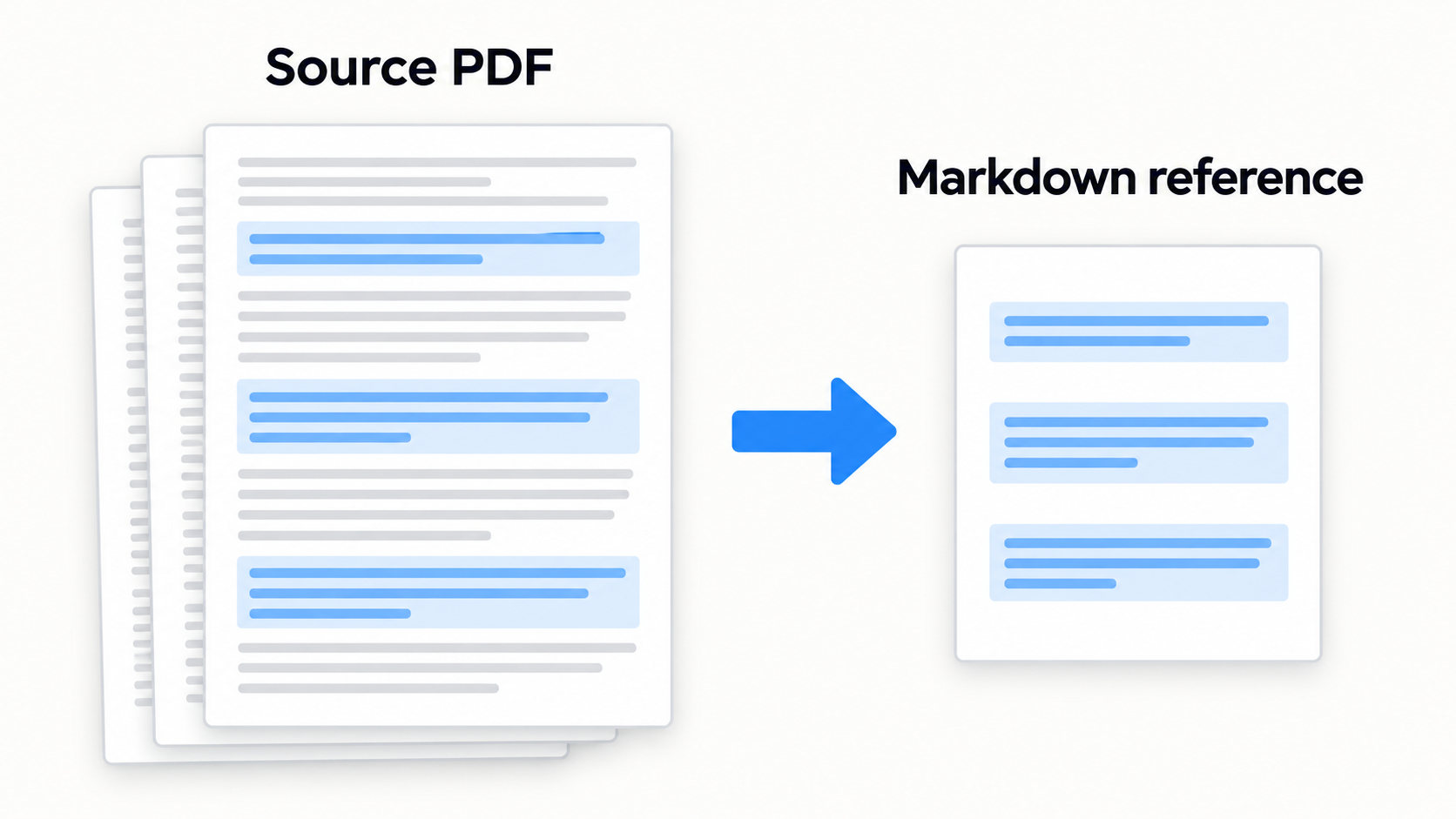
What if I use an AI System?
If you’re using an AI system like ChatGPT Work, Codex, Claude Code, or Google’s Antigravity, the logic is exactly the same:
- Extract the relevant parts of a dense source into a lightweight Markdown file.
- Update your main instructions file, such as CLAUDE.md or AGENTS.md, to use that Markdown reference for the relevant tasks.
- Keep the original in a “Source” folder so you can update the extract as your needs evolve.
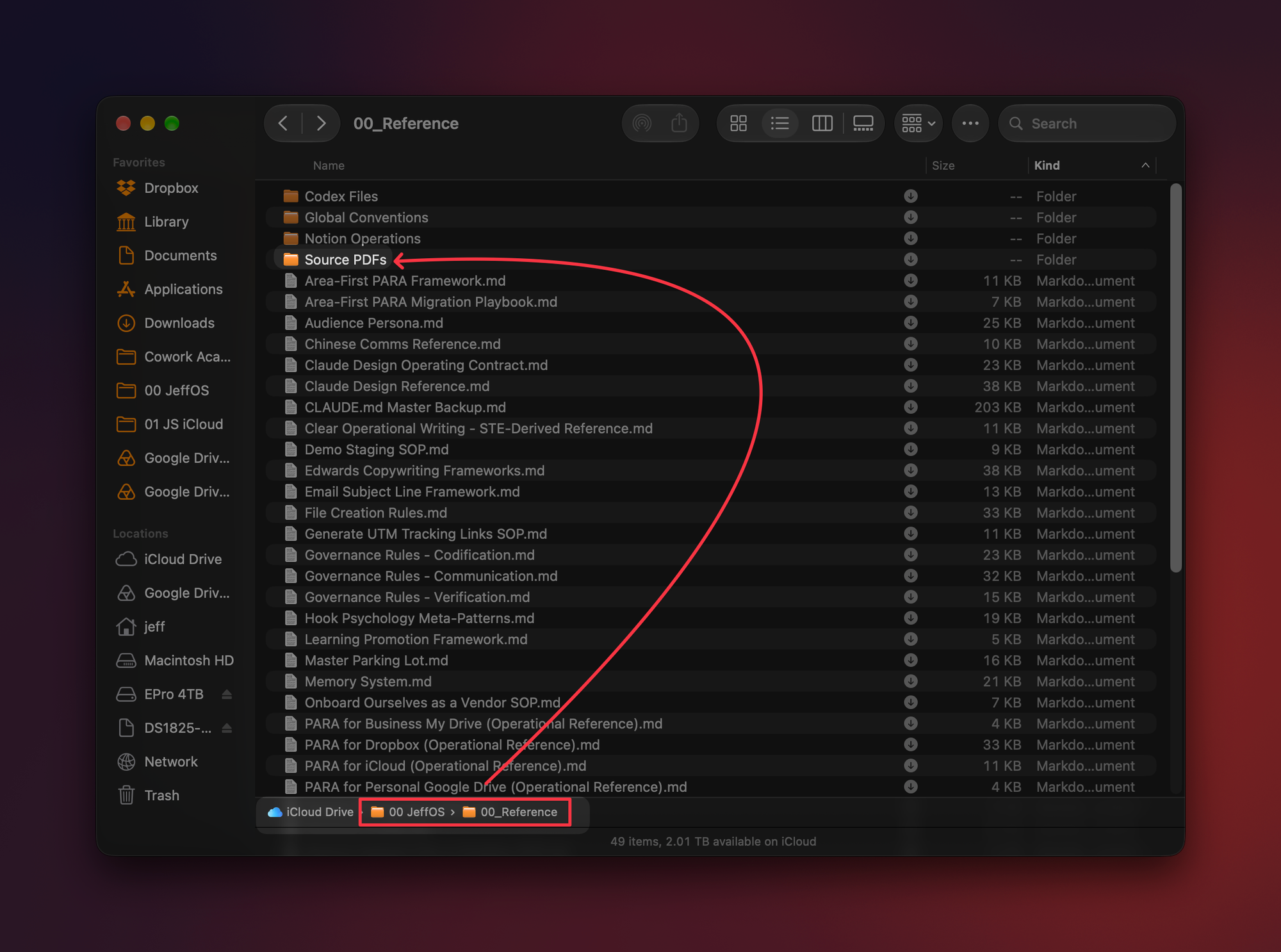
If you’re a student of The Cowork Academy, you’ll recognize this as the Source PDFs workflow from Lesson 2.05: The Reference Shelf: Load Only What You Need.
Pick one PDF that’s sitting in a Project right now (or one you keep re-uploading), run the prompt on it this week and let me know how it goes! 😁
Whenever you’re ready, here are some other ways I can help you:
💻 The Workspace Academy: Never lose a file, task, or note again with my CORE workflow for Google Workspace. Adopted by over 10,000 Googlers.
✅ Build Your Command Center in Notion: Plug-and-play dashboard that surfaces today’s priorities automatically and organizes your life in seconds. #1 rated Notion Course globally.