|
AI
The 4 Skills I'm Learning that AI Can't Replace
I'm not trying to make you more anxious but the fact is: Knowing how to use AI is no longer a differentiator. At this point, most professionals have typed something into ChatGPT and gotten a decent result. That's the baseline now.
So the question becomes: what do you build on top of that baseline to stay competitive as AI reshapes knowledge work? After years of teaching productivity systems and testing AI tools daily, I've narrowed it down to four skills. Let's get started!
Watch it in action
Resources
- Google AI Professional Certificate on Coursera: A hands-on certificate with interactive labs where you work through real exercises in Gemini.
- AI Systems Academy: Join the waitlist for my AI course.
- Philipp Humm's storytelling framework content: Recommended for developing narrative skills in a professional context.
Skill #1: The Cockpit Rule
Kicking things off with the most important skill to develop: something I call the Cockpit Rule. It's a mental model for deciding when to delegate a task to AI, when to collaborate with it, and when to keep AI out of the loop entirely.
Think of it like a pilot in a cockpit:
- At cruising altitude on a clear day, you engage autopilot and let the plane fly itself.
- During takeoff and landing, you and the systems work together (i.e. collaborate) because there are more variables in play.
- In an emergency where sensors fail, you take over full manual control.
The same logic applies to how we should work with AI.
Three modes of working with AI
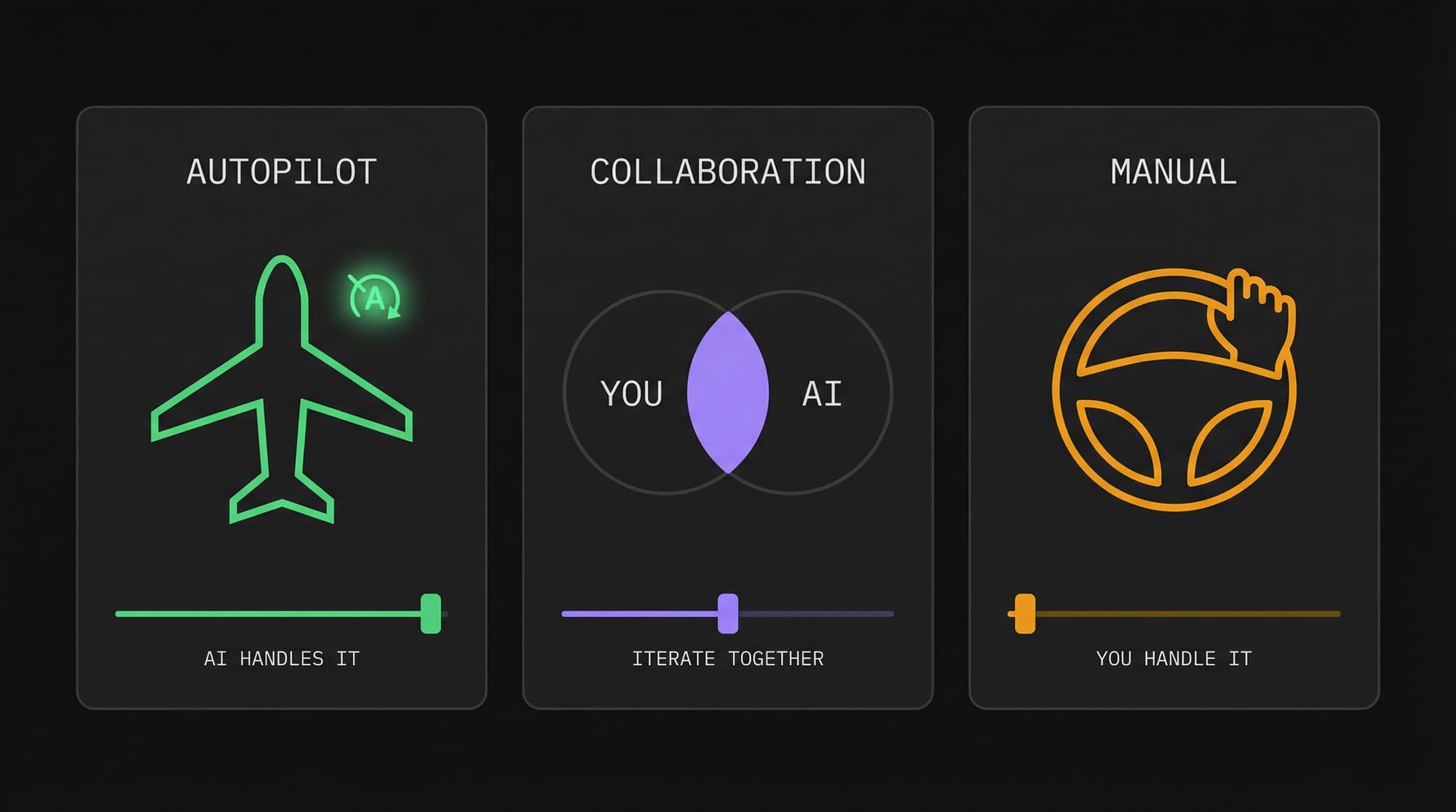
- Autopilot Mode is when you hand the task to AI with clear instructions and trust the output with minimal review. The AI handles everything on its own.
- Collaboration Mode is where you and AI iterate together through multiple rounds until the output meets your standard. Neither you nor AI could have produced the result alone.
- Manual Mode is when you do the work yourself, either because AI can't do it well or because the risk of getting it wrong is too high.
How to decide which mode to use
Here's the thing: the real skill isn't knowing the three modes exist. It's knowing which mode fits any given task.
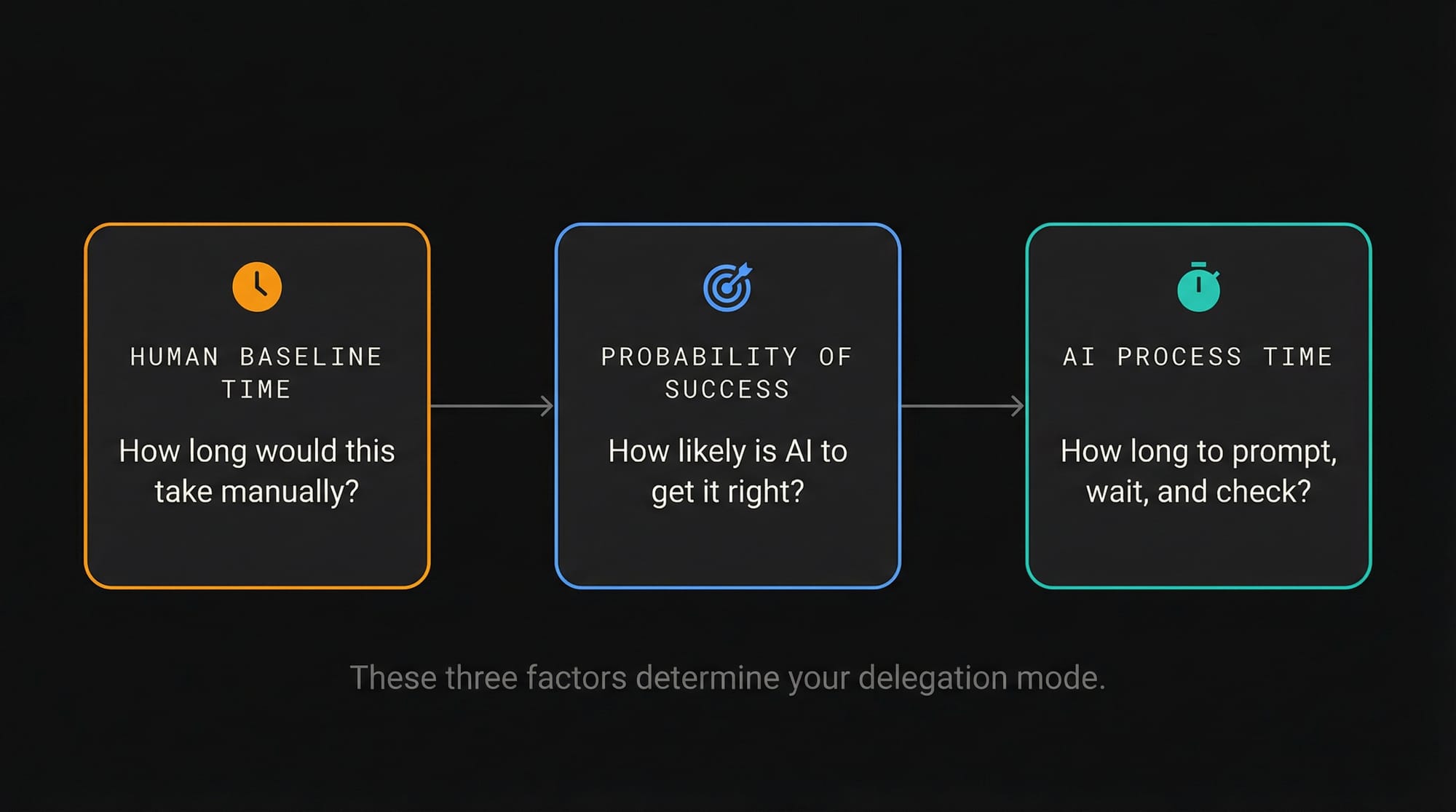
Professor Ethan Mollick of Wharton offers a useful framework for this called the "Agentic Cost-Benefit Equation." It comes down to three factors:
- Human Baseline Time: How long would this task take you manually?
- Probability of Success: How likely is AI to get it right?
- AI Process Time: How long does it take to prompt, wait, and check the output?
Examples in practice
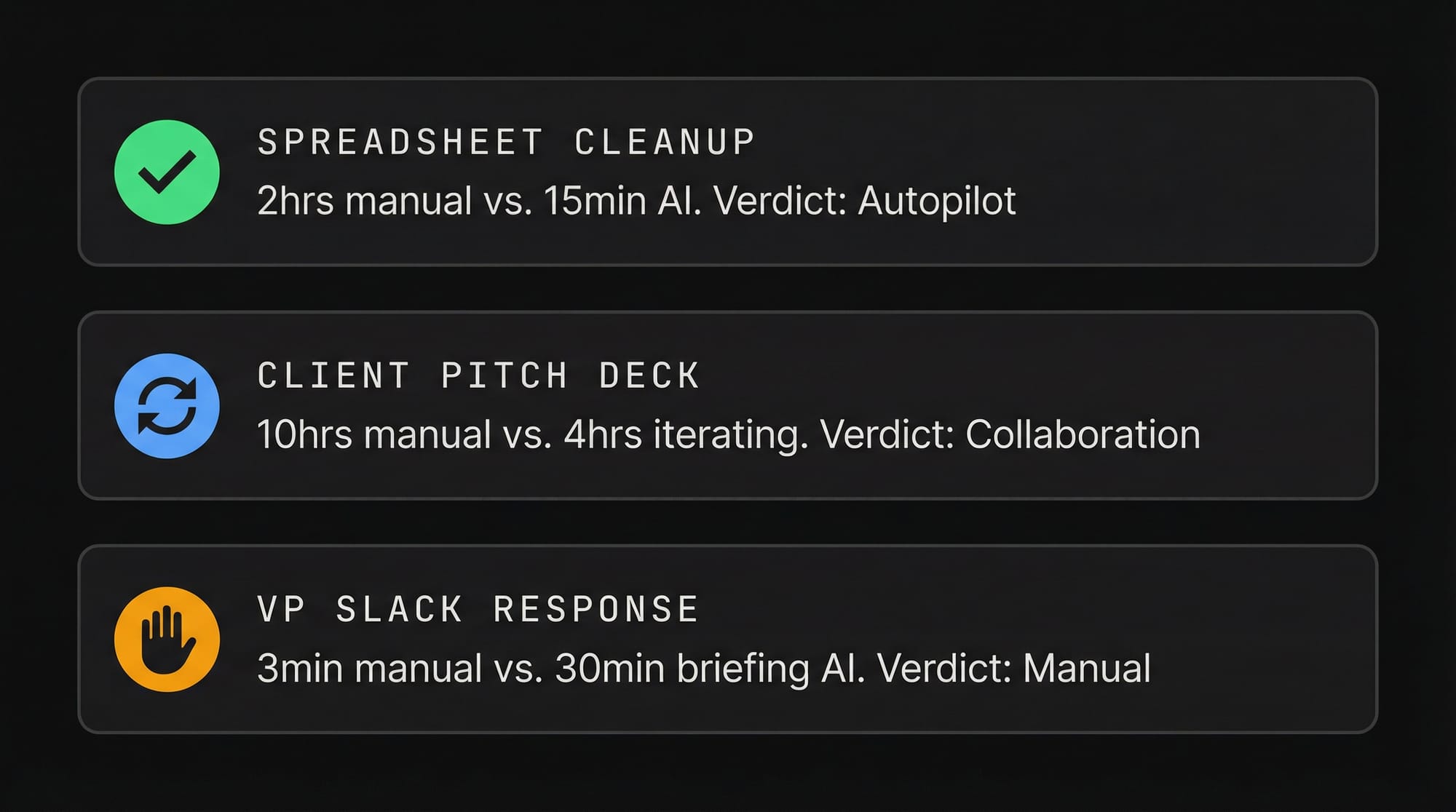
Autopilot example: You have a messy spreadsheet that needs to be restructured and formatted for a presentation.
- The manual baseline is about two hours of tedious work.
- AI is excellent at structured data manipulation, so the probability of success is high.
- The AI process takes maybe 15 minutes to upload, prompt, and spot-check.
The math is clear: 15 minutes beats two hours, and you know this domain well enough to catch major errors at a glance. Result: Autopilot Mode.
Collaboration example: When I was preparing a client pitch deck at Google, AI could handle the research and draft talking points, but it didn't know the client's risk tolerance or the company's priorities for that quarter.
- The manual baseline was about 10 hours.
- AI's probability of success on any single attempt was medium because it needed direction and domain expertise.
- Each round took about 45 minutes of prompting, checking sources, and fixing hallucinations.
Even after five iterations and four hours of total AI management, that was still less than half the manual baseline. Result: Collaboration Mode.
Manual example: Your VP sends an angry Slack message questioning your team's approach on a project.
- The manual baseline is three minutes because you already know the backstory and the politics.
- AI's probability of success is low since it doesn't know your boss's personality.
- The AI process time would be 20 to 30 minutes just to explain all the context you already carry in your head. Result: Manual Mode.
💡
Rule of thumb: The best tasks to delegate to AI are those that take you a long time, where the AI tool is very capable in that domain, and where you can easily evaluate the output.
Skill #2: Build the Rails
Now that AI has become so capable, your competitive advantage is no longer doing the work. It's designing the process so AI can do the work for you.
Think of it like a bullet train: Laying the tracks requires a lot of heavy lifting upfront. But once those rails are in place, the train glides over them at 300 kilometers per hour with almost no friction.
Designing a workflow works the same way. It's tedious at first, but once the system is in place, AI runs through it smoothly.
The data behind workflow design
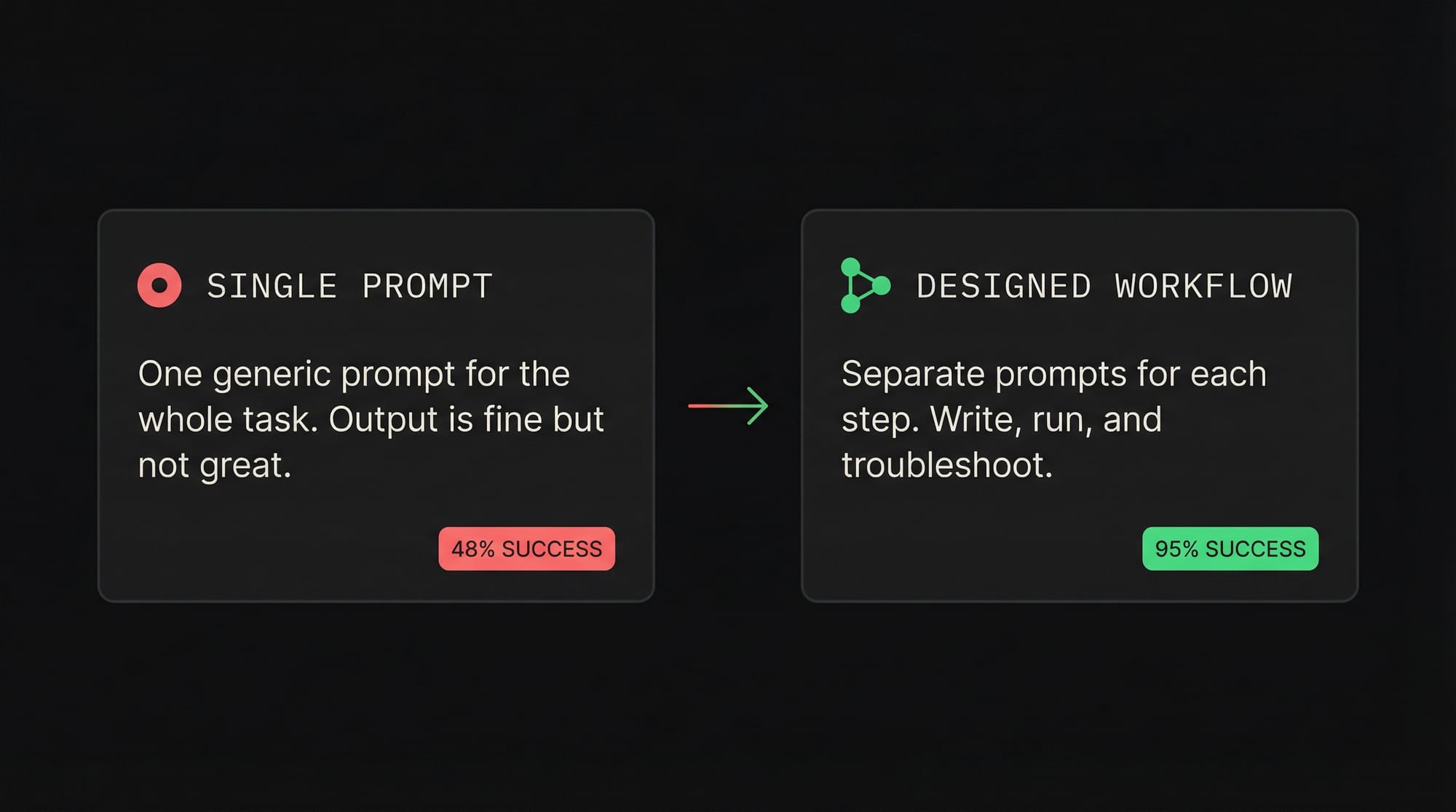
The evidence for this is compelling: Andrew Ng found that using a single prompt to write code gave a 48% success rate.
But when he designed a multi-step workflow to write, run, and troubleshoot the code using the same AI model, the success rate jumped to 95%. The variable was not the model. It was the process.
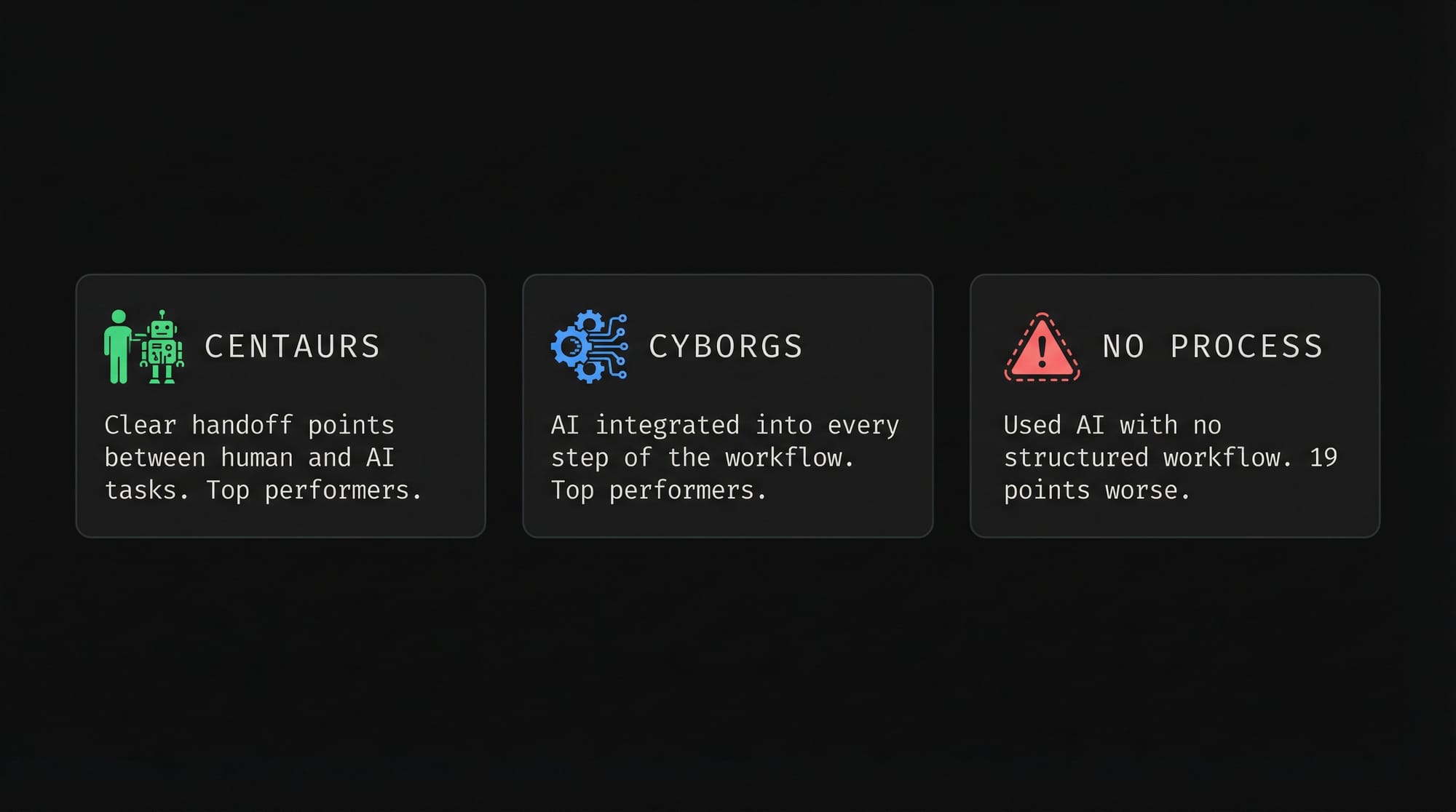
A study from Harvard and BCG reinforced this: Researchers tested 758 consultants and found that the top performers fell into two groups:
- "Centaurs," who divided tasks between themselves and AI with clear handoff points; and
- "Cyborgs," who integrated AI into every step of their workflow.
The group that used AI with no structured process performed 19 percentage points worse.
How to redesign your workflows
Here's a simple example:
- Using a single prompt to polish both the subject line and body content for a newsletter produces decent output. 😑
- But creating a separate prompt optimized specifically for subject lines can measurably improve click-through rates! ✅
To redesign your own workflows for AI, follow three steps:
- Take a recurring deliverable you produce, like a weekly report, and break it into its component steps.
- Apply the cost-benefit framework from the Cockpit Rule to each step. Which steps are Autopilot, which are Collaboration, and which should stay Manual?
- Prioritize redesigning the Autopilot steps first, since that's where you get the biggest return for the least effort.
Skill #3: The Storytelling Moat
AI companies have been aggressively hiring heads of content and storytellers, because even they understand that AI, as powerful as it is, cannot generate meaning.
Here's an example from my time at Google:
- During a budget meeting where every manager was asking for more resources, our team had objectively the weakest case on paper.
- But instead of talking about the data, my manager framed the project around how it would benefit other countries, how it would become an Asia-wide case study, and how it would make the decision-maker look good.
We ended up getting most of the budget. 😂
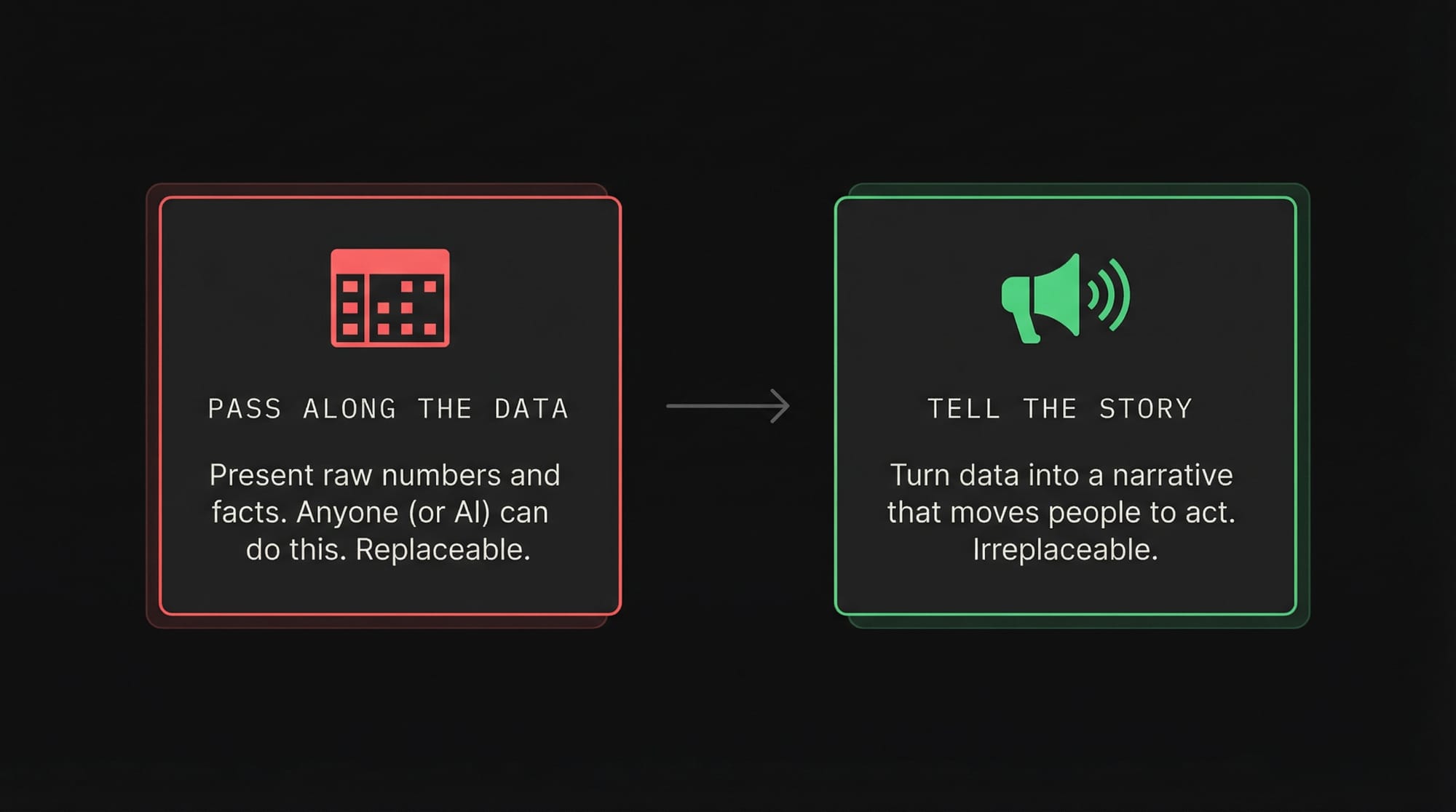
The lesson is simple: in a world where AI makes information abundant, the real skill is turning that information into something people actually care about.
💡
If you can turn data into a story that moves people, you're safe. If you just pass along the data, you're replaceable.
Two storytelling frameworks worth practicing
The ABT Framework (And, But, Therefore), developed by Randy Olson, gives your communication narrative structure.
- Instead of listing facts when your manager asks how a launch is going, you answer with structure: "We're on track and adoption is rising, but one client paused spending due to technical issues, therefore I'm preparing a follow-up call to troubleshoot their account."
"And" sets the stage. "But" introduces the conflict and makes people lean in because something went wrong. "Therefore" delivers the resolution and a clear next step.
The SCQA Framework (Situation, Complication, Question, Answer), used at McKinsey, Bain, and BCG, follows the same underlying principle.
- Situation: here is where we are.
- Complication: here is the obstacle.
- Question: what do we need to answer to move forward?
- Answer: here is the resolution.
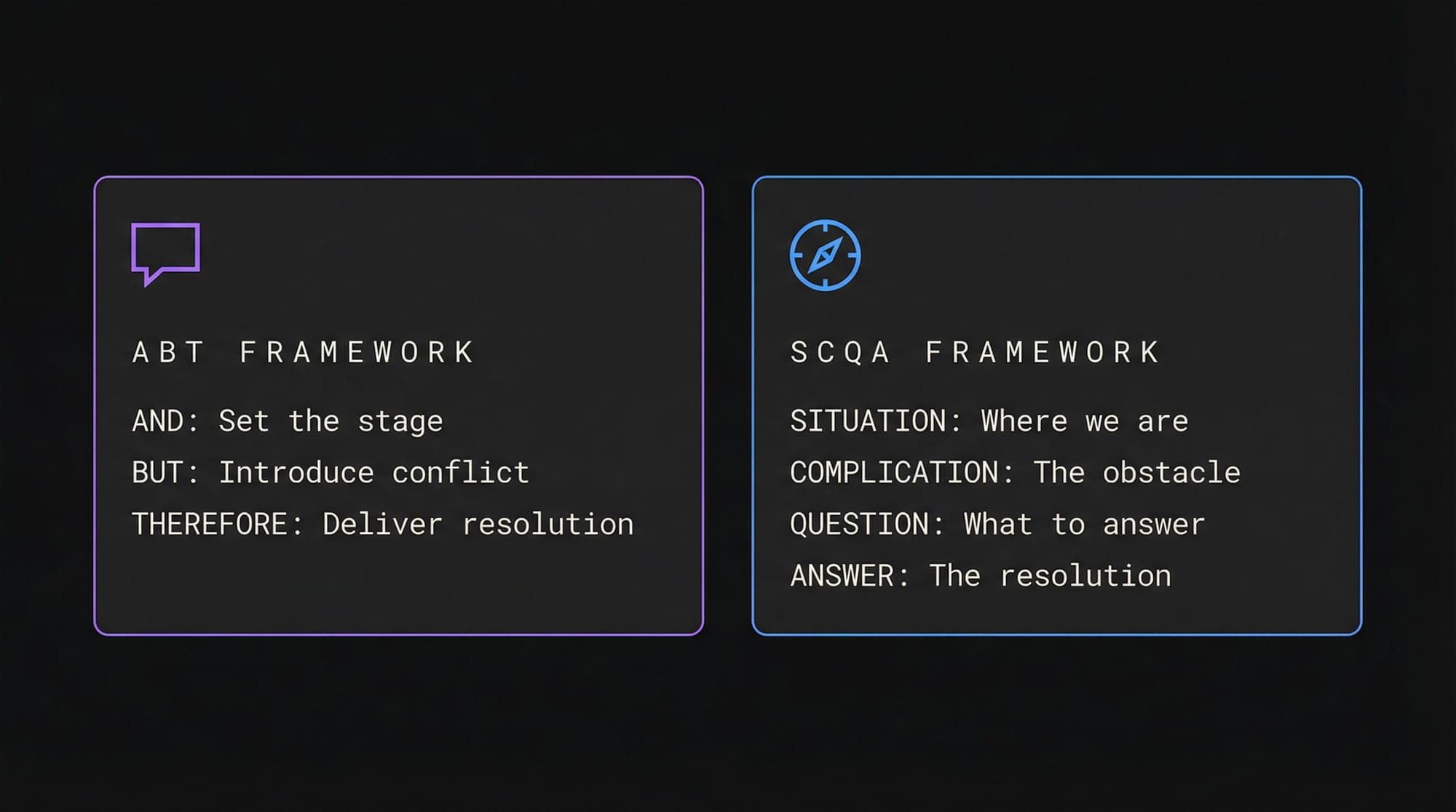
The common denominator across both frameworks is that they introduce conflict, then resolve it. That tension is what makes people care.
Skill #4: Manual Override
The final skill is about intentionally choosing not to use AI for certain tasks, so that your critical thinking doesn't atrophy.
- Put simply: If you let AI write every email, outline every strategy, and summarize every meeting, you gradually lose the ability to synthesize information yourself.
Think of it like a weightlifting belt. It helps you lift heavier, but if you wear it for every single rep, your stabilizer muscles weaken. After a year, you're only strong with the belt on.
What the research shows
- Researchers at McGill University found physical changes in the brains of drivers who relied heavily on GPS, changes that decreased their ability to navigate independently.
- A joint study from Microsoft and Carnegie Mellon found that knowledge workers who over-relied on AI gradually stopped performing key cognitive steps themselves, like questioning assumptions, checking sources, and weighing tradeoffs. As a result, they became less prepared for unexpected edge cases.
- A study of 2,760 decisions from radiologists found that those who used AI as a "first opinion" often anchored on the AI's answer and stopped looking for additional signs. By contrast, those who formed their own opinion first and then used AI as a "second check" maintained their diagnostic accuracy.
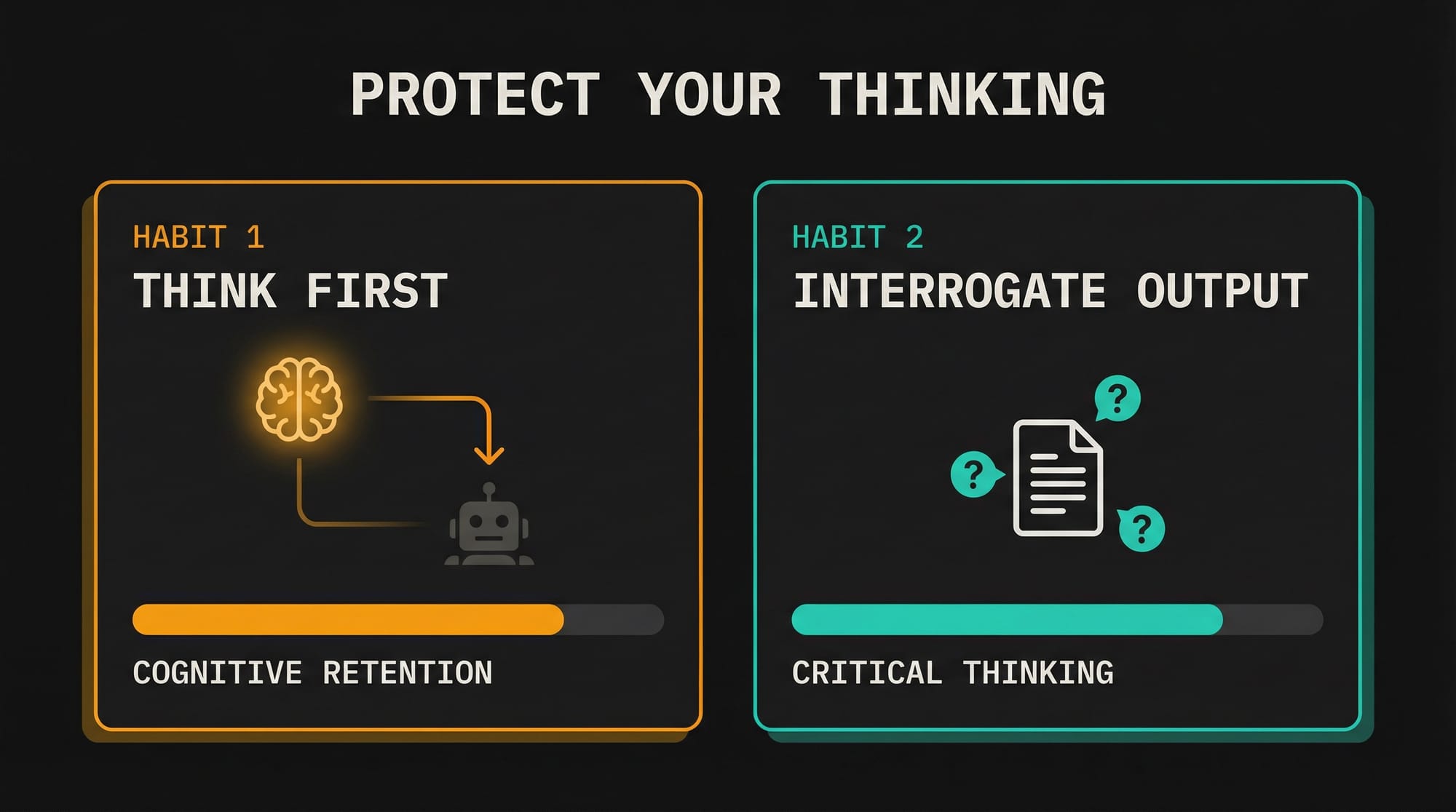
Two habits to protect your thinking
- Think first, prompt second. Professor Mollick recommends forming your own position before engaging AI.
- For analytical tasks, spend a few minutes writing your own "so what?" analysis before asking AI for its take.
- You can still use AI to summarize reports, but do the interpretive work yourself first.
- Interrogate the output. When AI gives you an answer, resist the urge to accept it immediately.
- Instead, ask yourself: "How would I verify this? What is the counter-argument?"
- This kind of active debate forces your brain to engage rather than passively consume.
The Nuance
At this point, it's easy for skeptics to say "AI is making us dumber."
That's just simply not true. AI only hurts us if we allow it to change our habits.
- Students using ChatGPT without guidance scored 17% worse on exams, yes.
- But with structured guidance, a World Bank study found that six weeks of AI tutoring produced learning gains equivalent to two years of traditional schooling.
Ethan Mollick sums it up perfectly:
"There is plenty of work worth handing off to AI. We rarely mourn the math we do with calculators. But there's also a lot of work where our thinking is important. Your brain is safe. Your thinking, however, is up to you."
If you enjoyed this...
You might also like: The Only AI Tools You Need!