|
Google Drive
| #91
Google Drive: Use Invisible Tags
(you can filter previous editions by application!)
Tag Drive documents “in secret”
For shared documents within Google Drive, you might not be able to name the file or folder if it’s not owned by you:
- For example my manager would name a document “QBR for GRCN 2023” but I usually start with the year “20230523 GRCN QBR...”
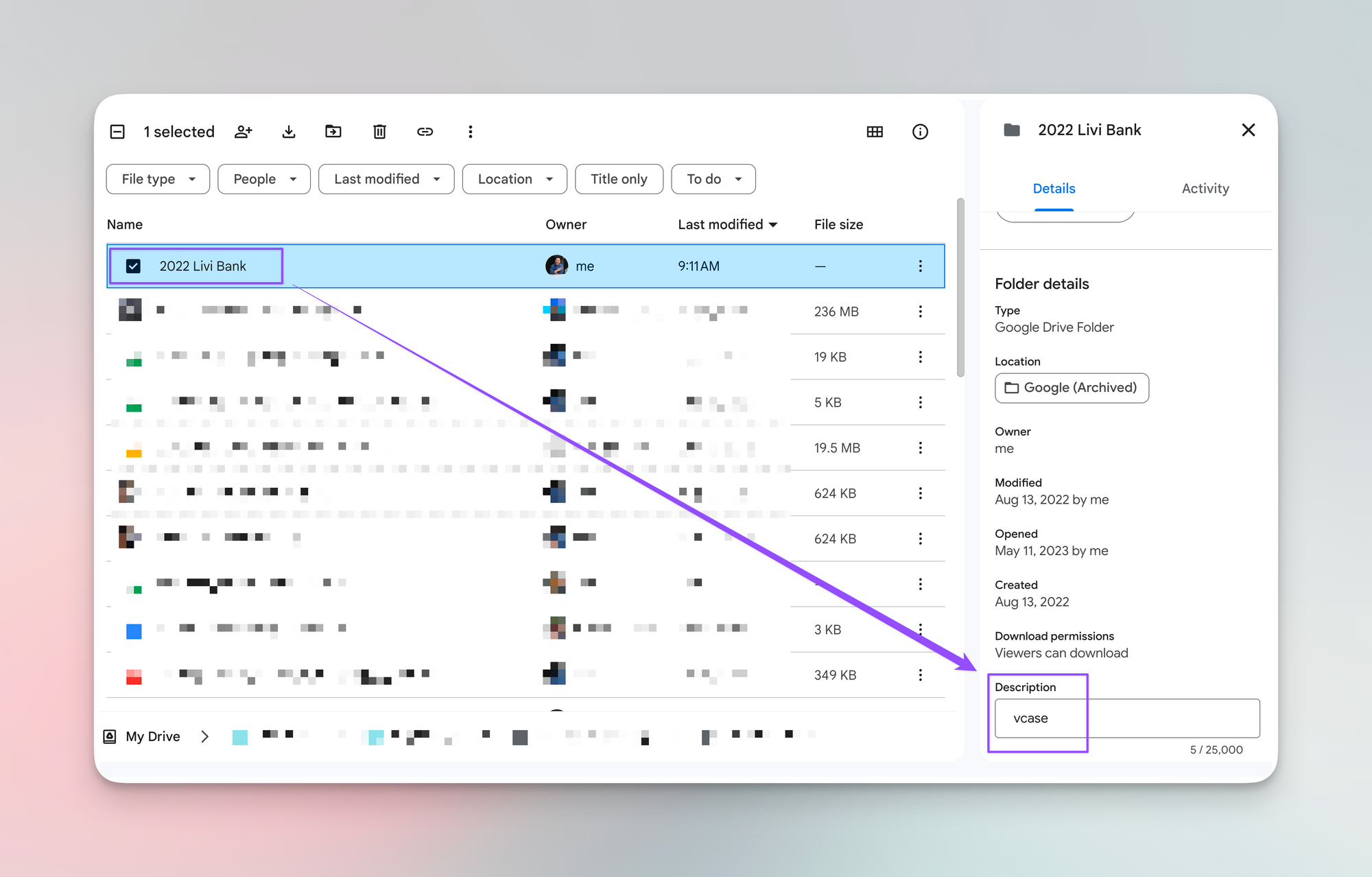
For these types of situations, you can add a tag in the description field:
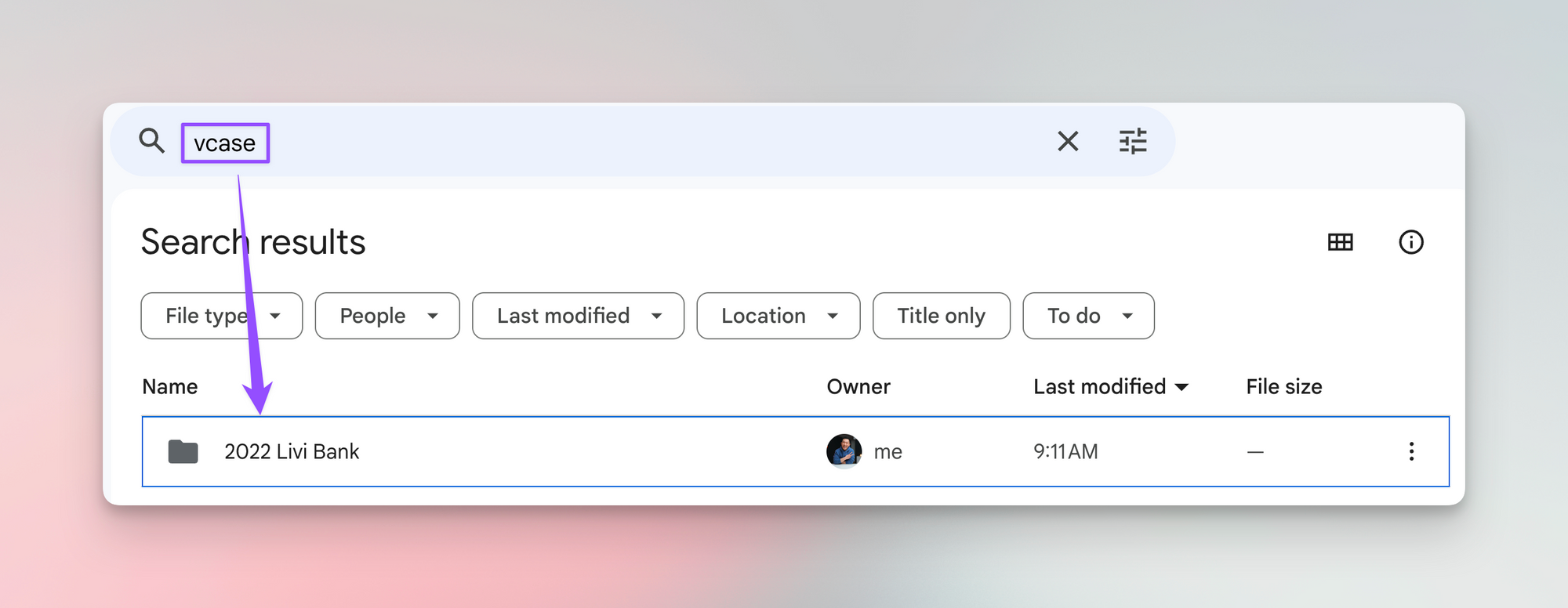
The best part? You can search for that description in the Google Drive search bar and it’ll still show up in the results!
⌨️ Keyboard shortcut
- Press “d” with a Google Drive file or folder selected to bring up the Details sidebar
I’m always looking for ways to improve so give me anonymous feedback here 📝
Want someone to be more productive? Let them subscribe here 😉
Thanks for being a subscriber, and have a great day!