|
Google Drive
| #68
Google Drive: Link to Video Timestamp!
(you can filter previous editions by application!)
🤔 What is it?
If you’re reading this newsletter, you’re obviously a productive person.
So let’s say you found my Gmail Filters tip super helpful in my latest video and you:
- Right click > “Choose to copy video URL at current time” and send the link to your colleagues
- Example: https://youtu.be/QHrWMMlVYRA?t=225
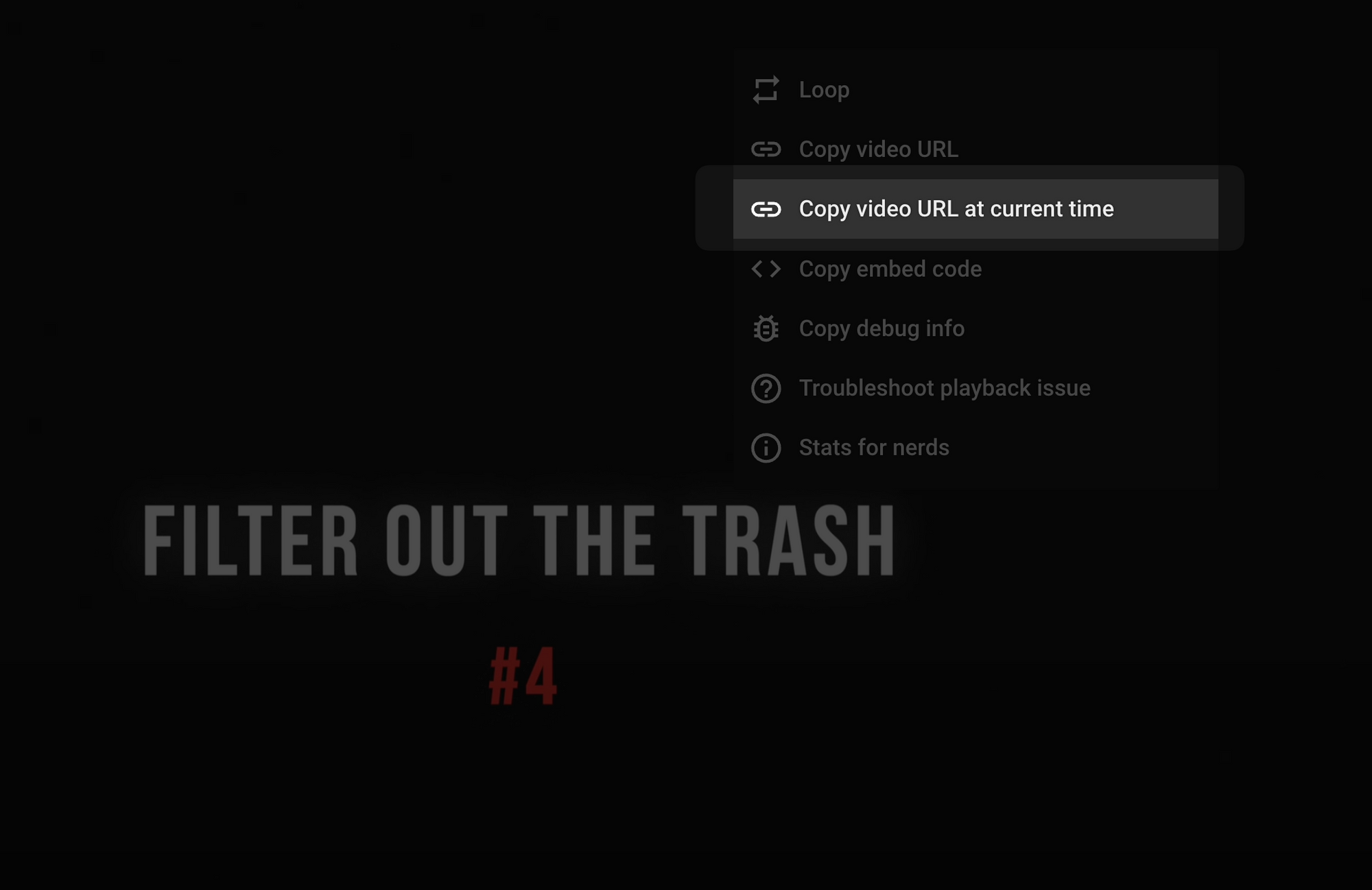
But what if the video is an internal-only video uploaded to your Google Drive? The Right click > Copy feature doesn’t work.
No worries! You only need to make 1 small adjustment to the URL of the video
📸 Instructions
First, make sure the video is shared with the right people
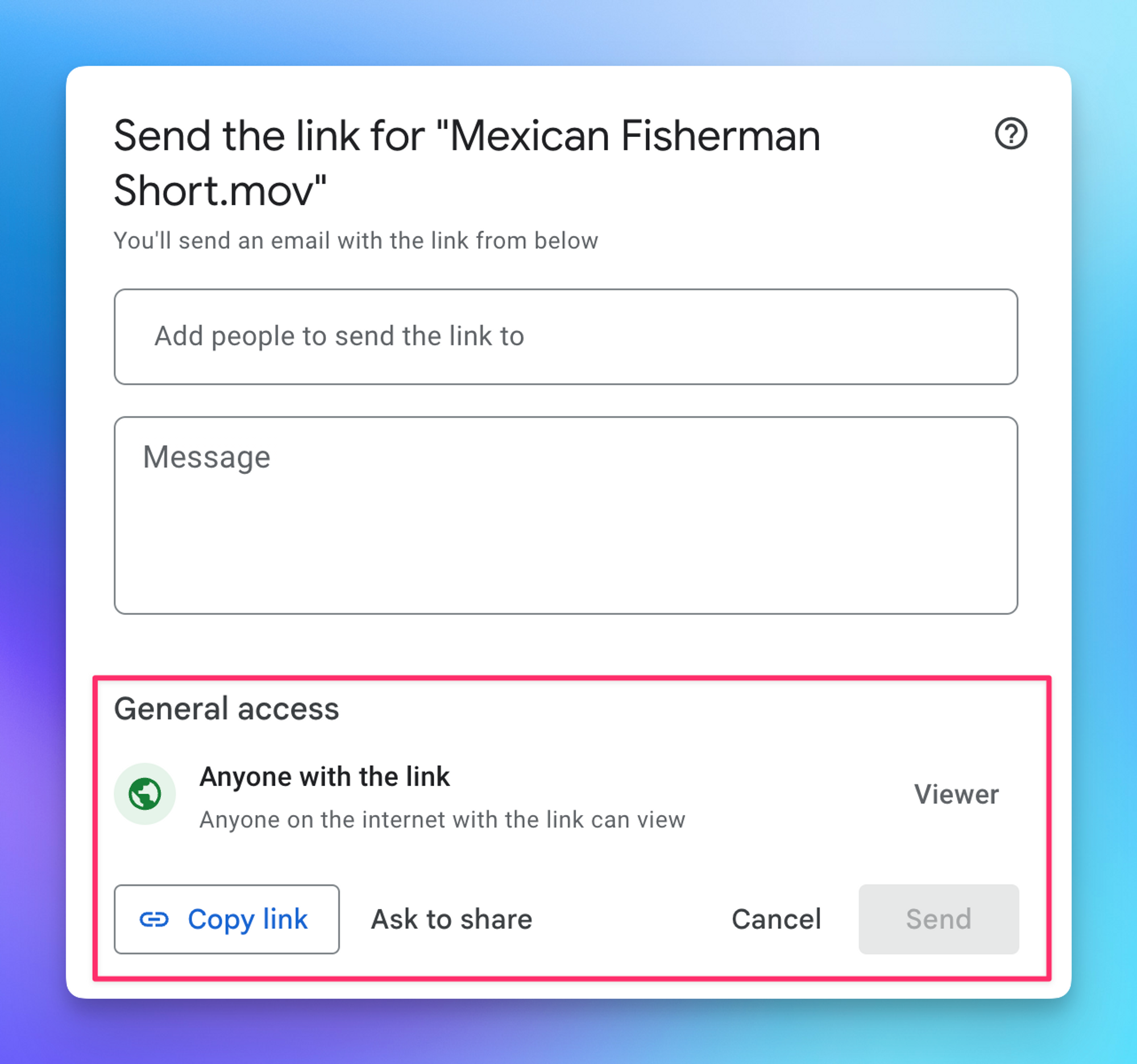
Second, copy the URL of the video and after the word “view”, add “?t=mmss”
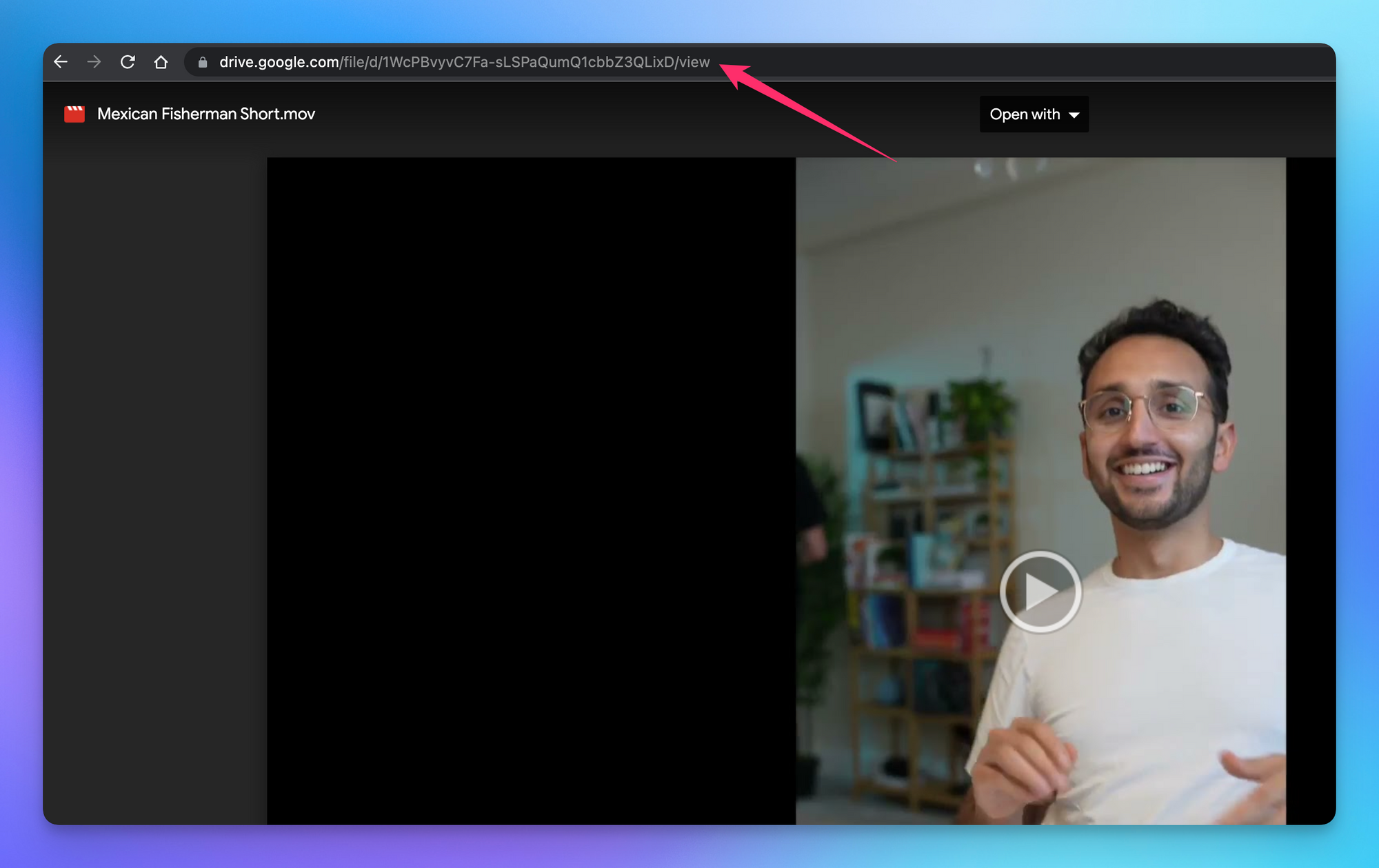
Let’s use Ali Abdaal’s public Google Drive video as an example:
The new URL would be:
And that’s it! Simple right?
⌨️ Keyboard shortcut
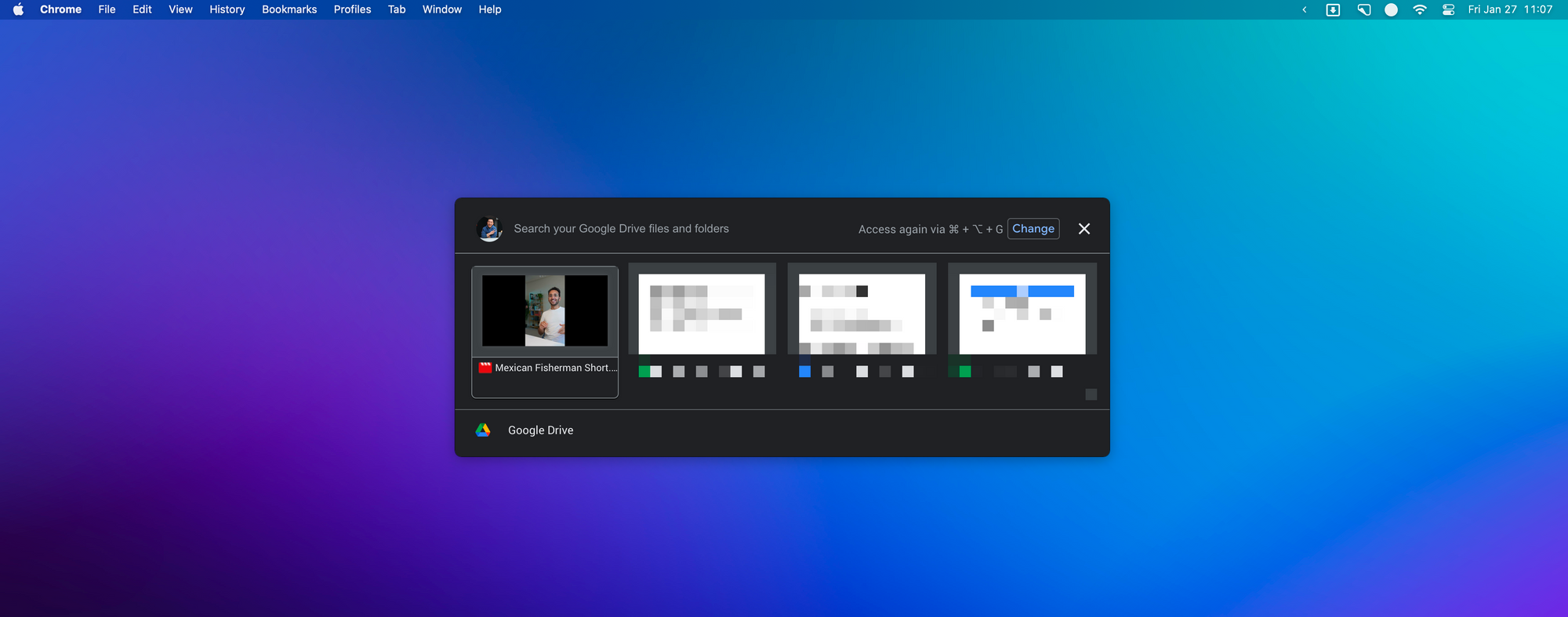
- OPT+CMD+G to browse Google Drive if you have Drive for Desktop installed on the Mac (huge thank you to Peter Hardeel for this tip)!
I’m always looking for ways to improve so give me anonymous feedback here 📝
Want someone to be more productive? Let them subscribe here 😉
Thanks for being a subscriber, and have a great day!