|
Google Drive
| #54
Google Drive: Find and organize files faster!
(you can filter previous editions by application!)
🔍 Quickly find the right files using “Locations”
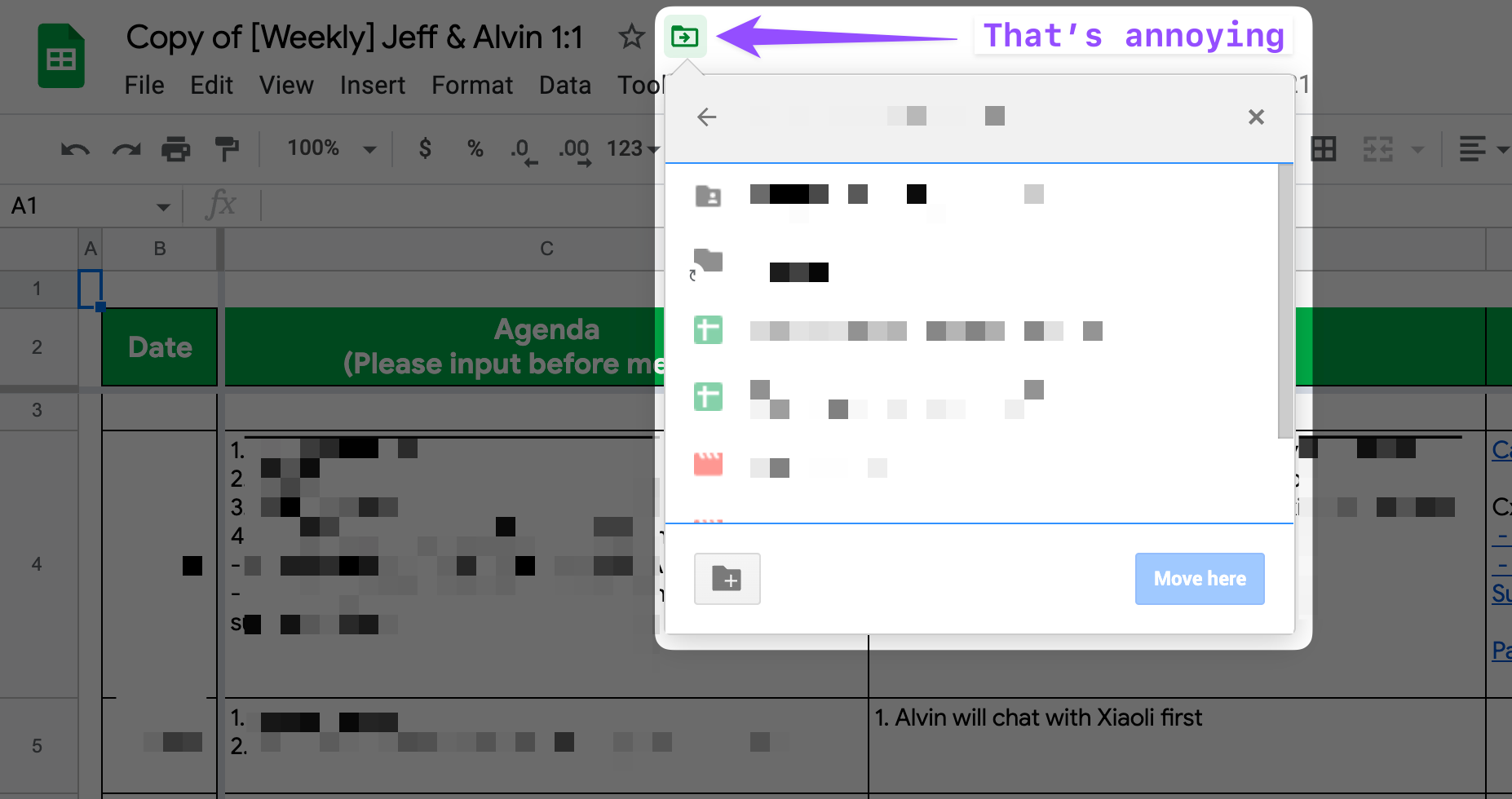
We’ve all been there - You have a file open in Google Drive but can't remember which folder it's in
It's a PAIN to find that specific folder; you have to click the folder icon within the file to find the location THEN go back to Drive! 😰
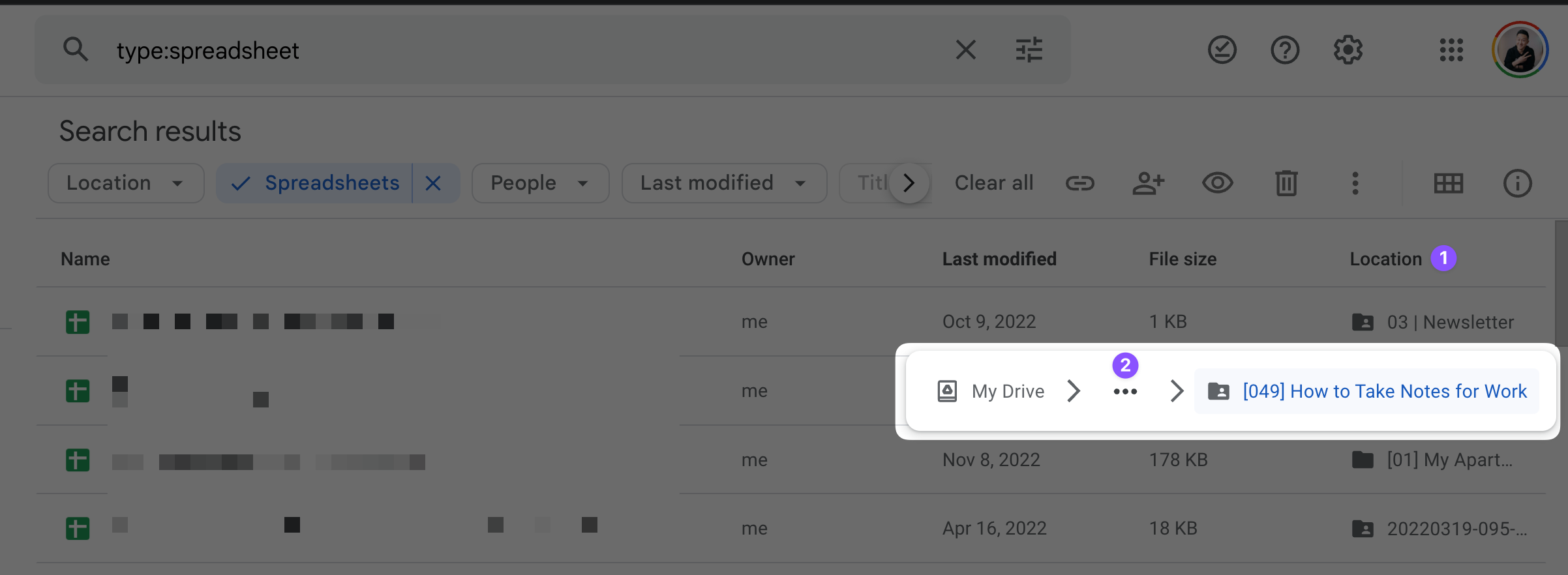
Here's a better way: Under the “Location” column on the right, expand the folder hierarchy by clicking the 3 dots, and you can now click into any of the preceding folder directly!
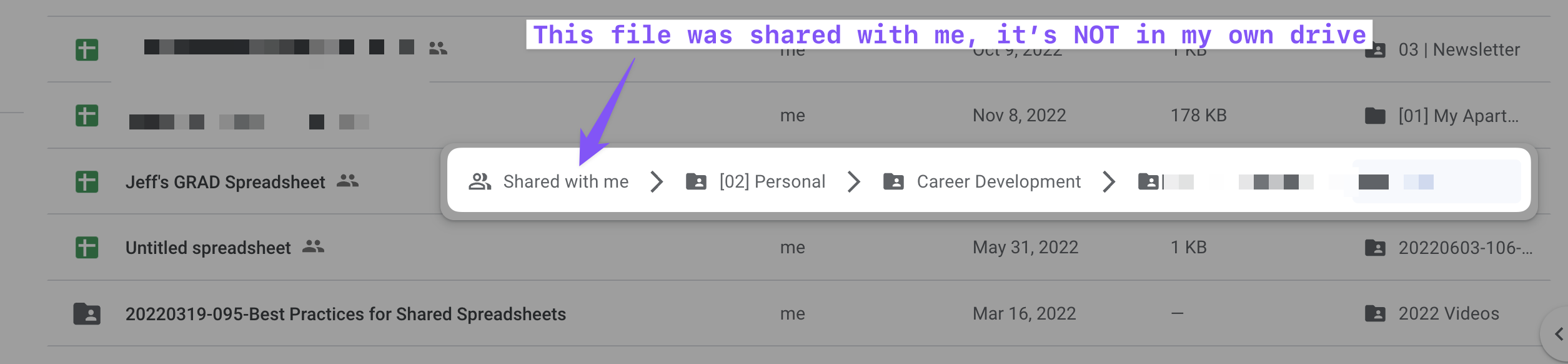
This is also a GREAT way to differentiate between similarly named files stored in different locations!
💡
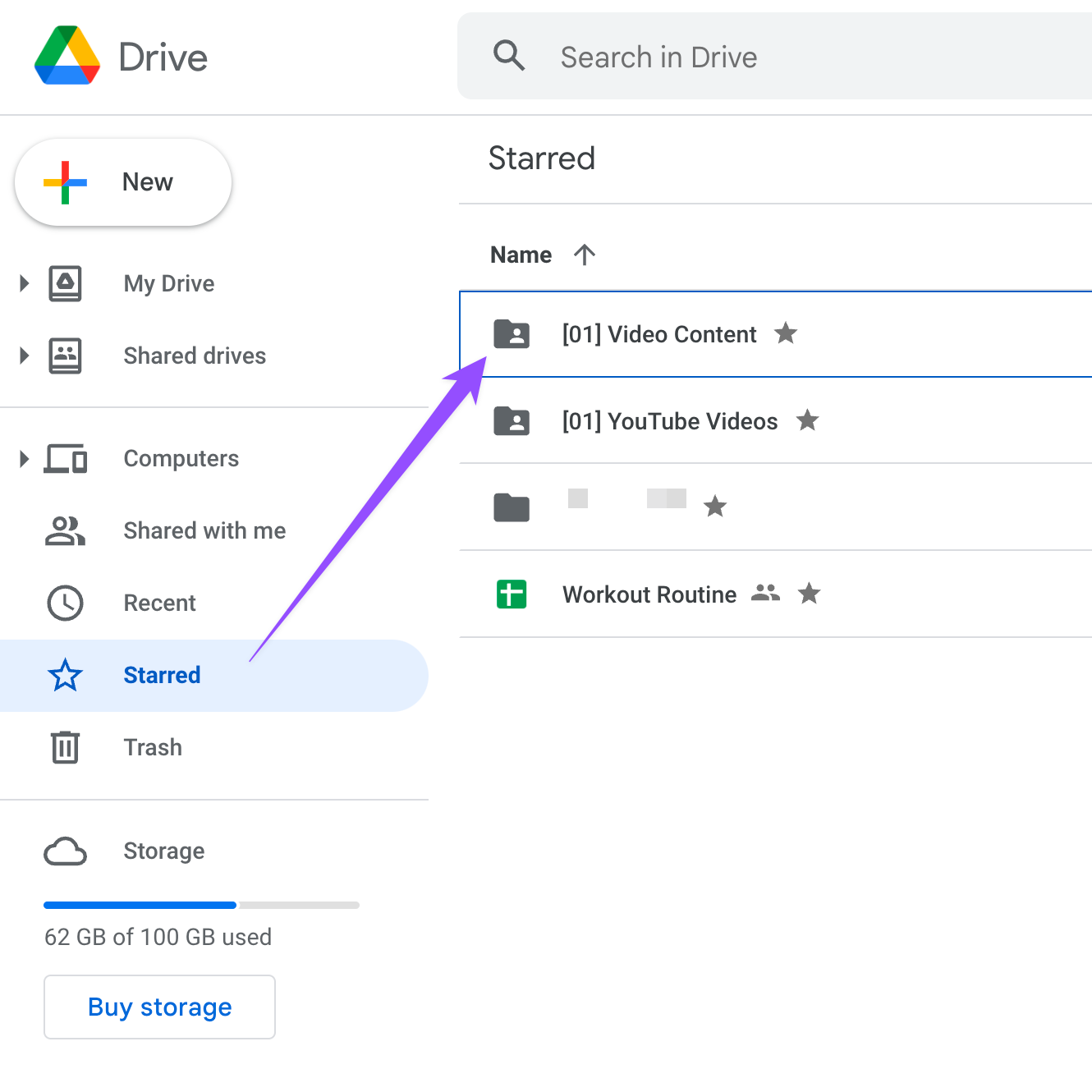
Pro tip: Star project folders you’re currently working on to navigate to them quickly. Just remember to un-star them after they’re done!
⌨️ Keyboard shortcut
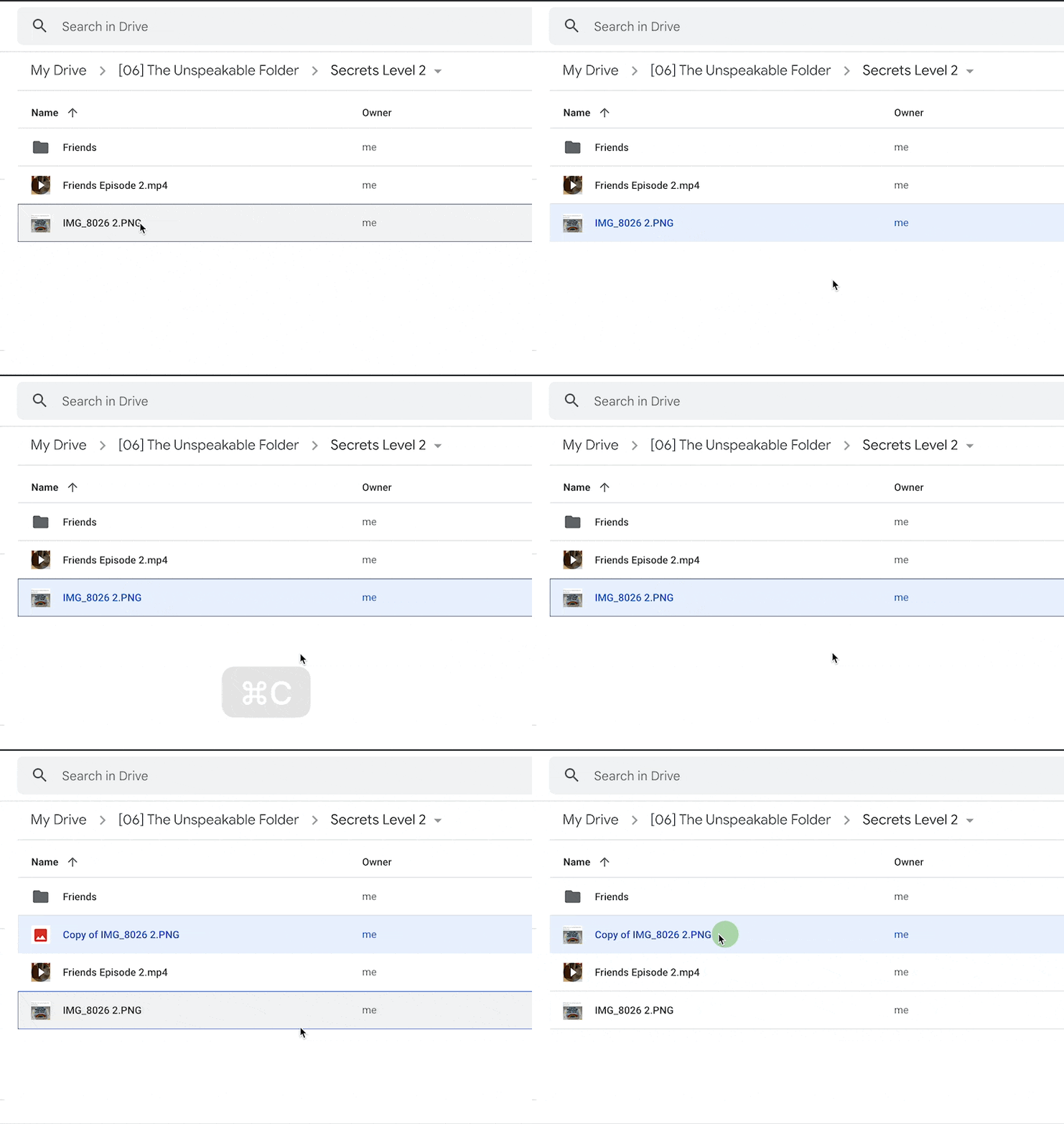
- You can now use CMD+C and CMD+V (CTRL+C/V for Windows users) to copy and paste files within the web version of Google Drive!
Follow up questions? Click “View Online” and you can comment on this post directly! Or give anonymous feedback here 📝
Want someone to be more productive? Let them subscribe here 😉
Thanks for being a subscriber, and have a great day!