|
Google Docs
| #234
Google Docs: The Editing Shortcut Most People Miss
Want to see these tips early? Subscribe to the newsletter!
Hey friends - This is going to sound extremely silly, but back when I first joined the Product Marketing team at Google, the single biggest annoyance I faced was going through "Suggested Edits" from 5+ teams I was working with.
Let me explain 😅
When Every Team Has an Opinion on Your Doc
The Product Marketing team would collaborate with MANY teams on marketing campaigns and product launches, and all of the planning and copywriting took place in Google Docs. Since every team needed to give their input, the doc would come back loaded with suggested edits.
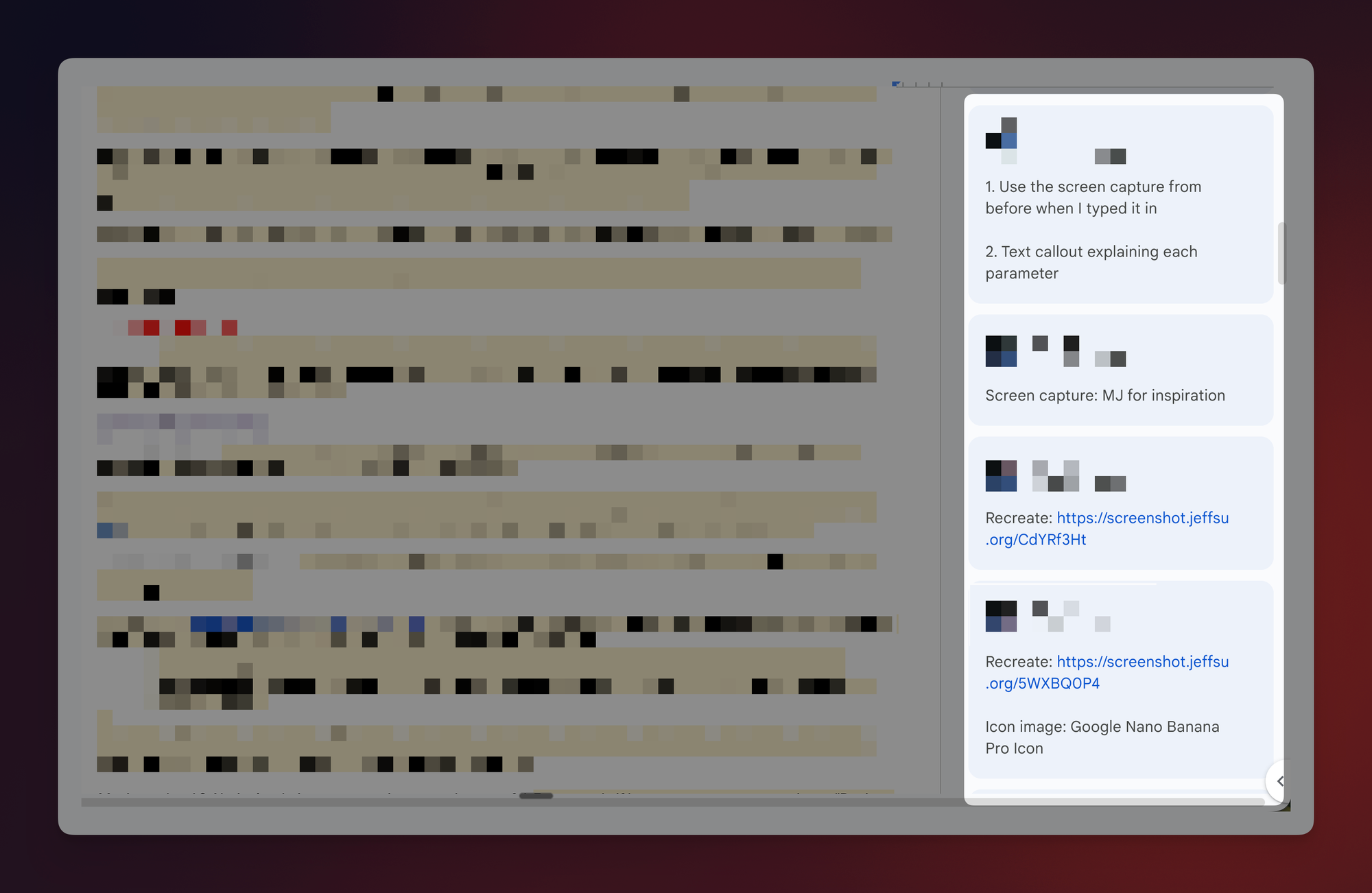
The problem: The green markup, strikethroughs, and comment bubbles make it almost impossible to read the document as it would actually appear. You end up squinting through the visual clutter, trying to mentally reconstruct the final version, which is (obviously) slow and exhausting.
A Clean Preview, Then One Click to Accept
Hopefully you didn’t know this already but Google Docs has a built-in tool called "Review Suggested Edits" that gives you a clean, distraction-free preview of the document with all suggestions applied, so you can evaluate the end result without any markup noise.
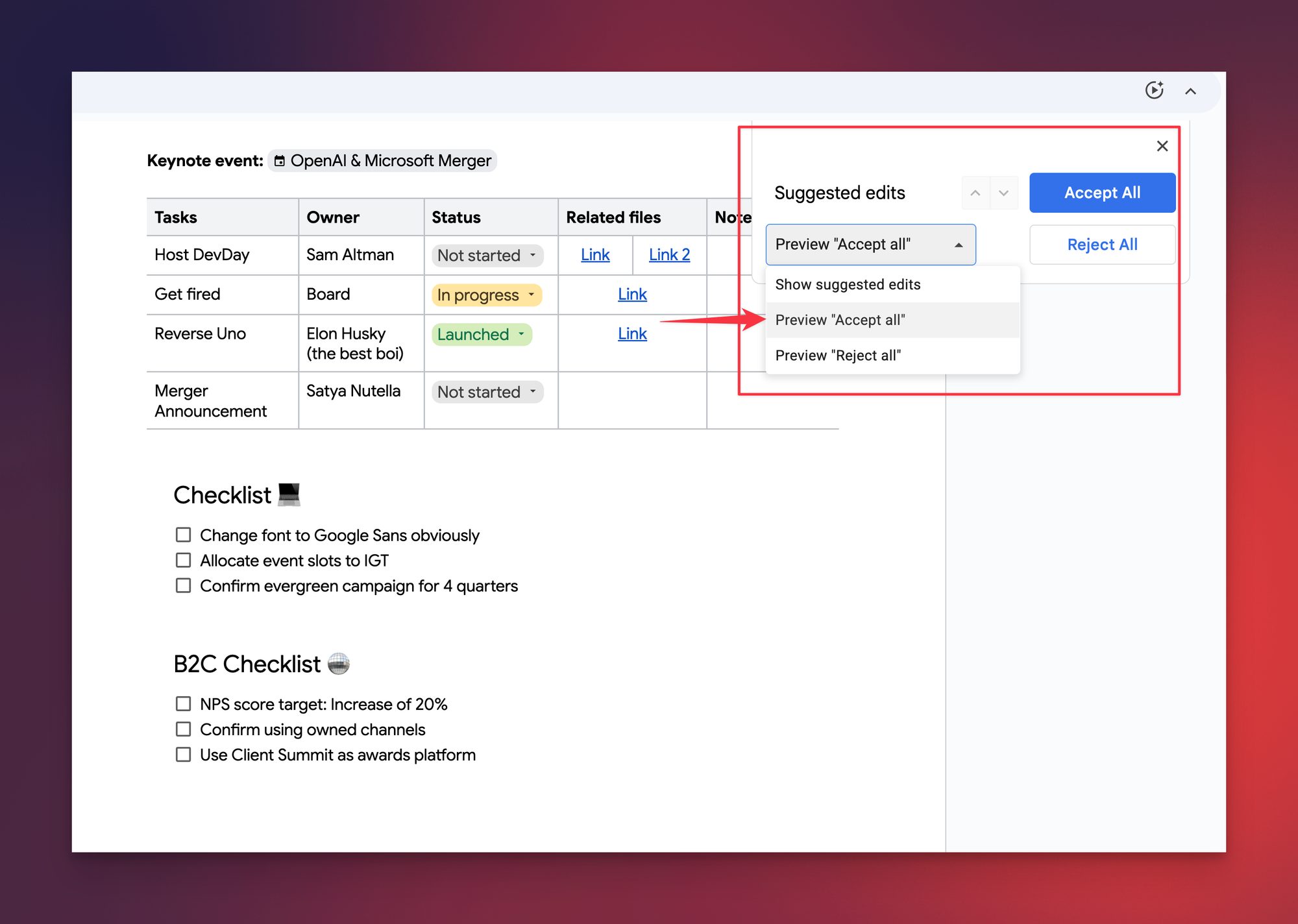
Once you're satisfied, you can accept or reject every edit in a single click instead of processing them one at a time.
Here's how:
- Open the Google Doc containing suggested edits.
- Click Tools in the top menu bar.
- Select Review suggested edits from the dropdown.
- In the panel that appears in the upper-right corner of the document, click Preview to see a clean version with all suggestions applied and all markup hidden.
- Once you've reviewed the clean preview, click Accept All to apply every suggestion at once, or click Reject All if you prefer to keep your original text.
Why This Saves You More Time Than You Think
The real value here isn't just the one-click accept, it’s actually the preview. Without it, I’d mentally try piecing together what the final document will look like while staring at a wall of green markup.
💡
Pro tip: Press Ctrl+Option+T on Mac or Alt+T on Windows to jump straight to the Tools menu without reaching for your mouse.
Try this the next time you get a doc back covered in suggested edits and let me know how it goes!
Whenever you're ready, here are some other ways I can help you:
💻 The Workspace Academy: Never lose a file, task, or note again with my CORE workflow for Google Workspace. Adopted by over 10,000 Googlers.
✅ Build Your Command Center in Notion: Plug-and-play dashboard that surfaces today’s priorities automatically and organizes your life in seconds. #1 rated Notion Course globally.