|
Gemini
| #230
Gemini: The 3 Modes Nobody Actually Understands
Let's start 2026 by clearing up something Google has been absolutely terrible at explaining: What do Fast, Thinking, and Pro actually mean in Gemini?
Google's Vague Descriptions Don't Help
💡
Here’s something I BET you didn’t know: Fast and Thinking are the same model.
They're both Gemini 3 Flash, just running with different settings. When you pick Thinking, you’re telling Flash to pause and reason through the problem before answering.
Pro, on the other hand, is a completely different (and larger) model called Gemini 3 Pro. It's Google's flagship for genuinely hard problems.
Fast, Thinking, and Pro in Practice
Fast
Gemini 3 Flash running at full speed, optimized for low latency and quick responses.
Analogy: A sharp colleague who gives you quick, competent answers without overthinking.
Trade-off: Speed over depth. It won't pause to verify its logic or plan multi-step solutions. For straightforward questions, this is fine.
Example: You're a manager with 50 unread emails before a Monday meeting. You need to triage them quickly: what needs action, what's FYI, what can wait.
Why Fast works here: This is a sorting task, not a reasoning task. You're not asking the model to solve a problem; you're asking it to help you see the landscape. Fast mode can classify and summarize in seconds. Thinking mode would just make you wait longer for the same result. Pro would be overkill.
Thinking
Gemini 3 Flash with a reasoning layer activated. Same model as Fast, but it pauses to map out a chain of thought before responding.
Analogy: The same colleague, but now they're taking a few minutes to sketch their reasoning on a whiteboard before answering.
Trade-off: Slower than Fast, but significantly more reliable for problems involving logic, analysis, or structured design. Uses roughly the same compute but allocates more of it to verification.
Example: You're a freelancer or knowledge worker building a personal productivity system. You want a weekly review template that actually fits your tools and workflow.
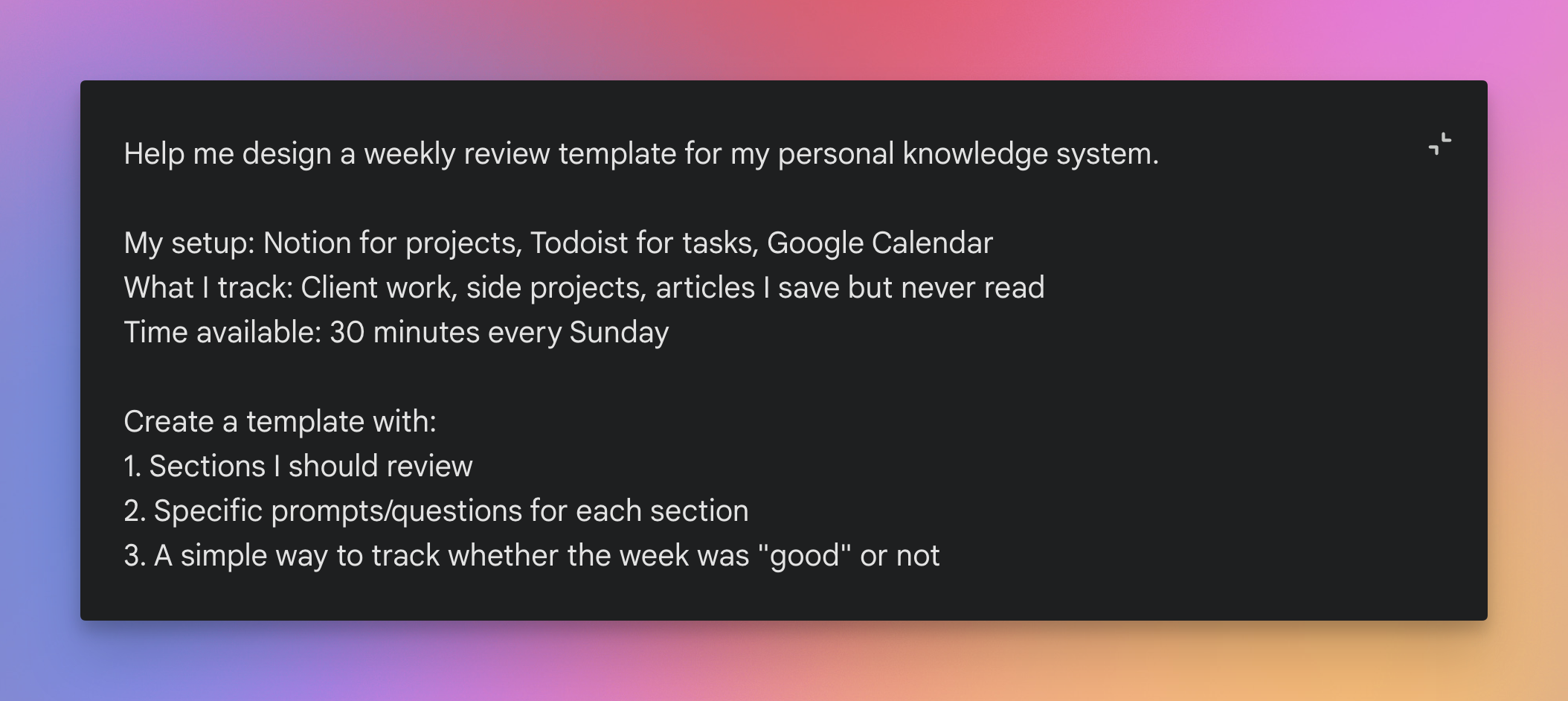
Why Thinking works here: This is a design problem that benefits from structured reasoning. You want the model to think through the components of a good review system, consider your specific workflow, and produce something coherent. Fast would give you a generic template. Pro would work but is unnecessary since this isn't a hard technical problem.
Pro
Gemini 3 Pro is a fundamentally different and larger model than Flash. It's Google's most capable model for complex reasoning and synthesizing information across multiple sources.
Analogy: A senior specialist you bring in for hard problems. Takes longer, costs more in usage limits, but handles things the generalist can't.
Trade-off: Slower and subject to stricter usage limits. For routine tasks, it's overkill. For genuinely difficult problems, it's worth the wait.
Example: You're a product marketer preparing a competitive brief. You have a competitor's last two earnings call transcripts, three recent press releases, their updated pricing page, and a dozen customer reviews. You need to figure out what their actual strategy is and where the gaps are that your team can exploit.
Why Pro works here: This requires synthesizing contradictory information across multiple documents and drawing non-obvious conclusions.
- Fast would summarize each source but miss the connections.
- Thinking would do better but tends to lose the thread on multi-document analysis.
- Pro handles the cognitive load of holding all sources in context and reasoning across them.
The Decision Rule
Three points, in order of priority:
- Default to Thinking. For 99% of users and use cases, you can't go wrong here. It's the balanced middle option that handles most work tasks well.
- Switch to Fast when you're doing quick lookups, simple summaries, brainstorming, or triage. If you catch yourself waiting and thinking "this doesn't need to be this slow," use Fast.
- Escalate to Pro when the problem is genuinely hard: complex debugging, multi-step math, dense technical analysis. If Thinking gives you a weak answer on something important, Pro is worth the usage limit cost.
💡
Pro tip: Free users can access all three modes but with daily limits Google doesn't publish.
Give this framework a try and let me know if it changes how you use Gemini! 🚀
Whenever you're ready, here are some other ways I can help you:
💻 The Workspace Academy: Never lose a file, task, or note again with my CORE workflow for Google Workspace. Adopted by over 10,000 Googlers.
✅ Build Your Command Center in Notion: Plug-and-play dashboard that surfaces today’s priorities automatically and organizes your life in seconds. #1 rated Notion Course globally.