|
Gemini
| #228
Gemini: The prompt that writes your self-review
Want to see these tips early? Subscribe to the newsletter!
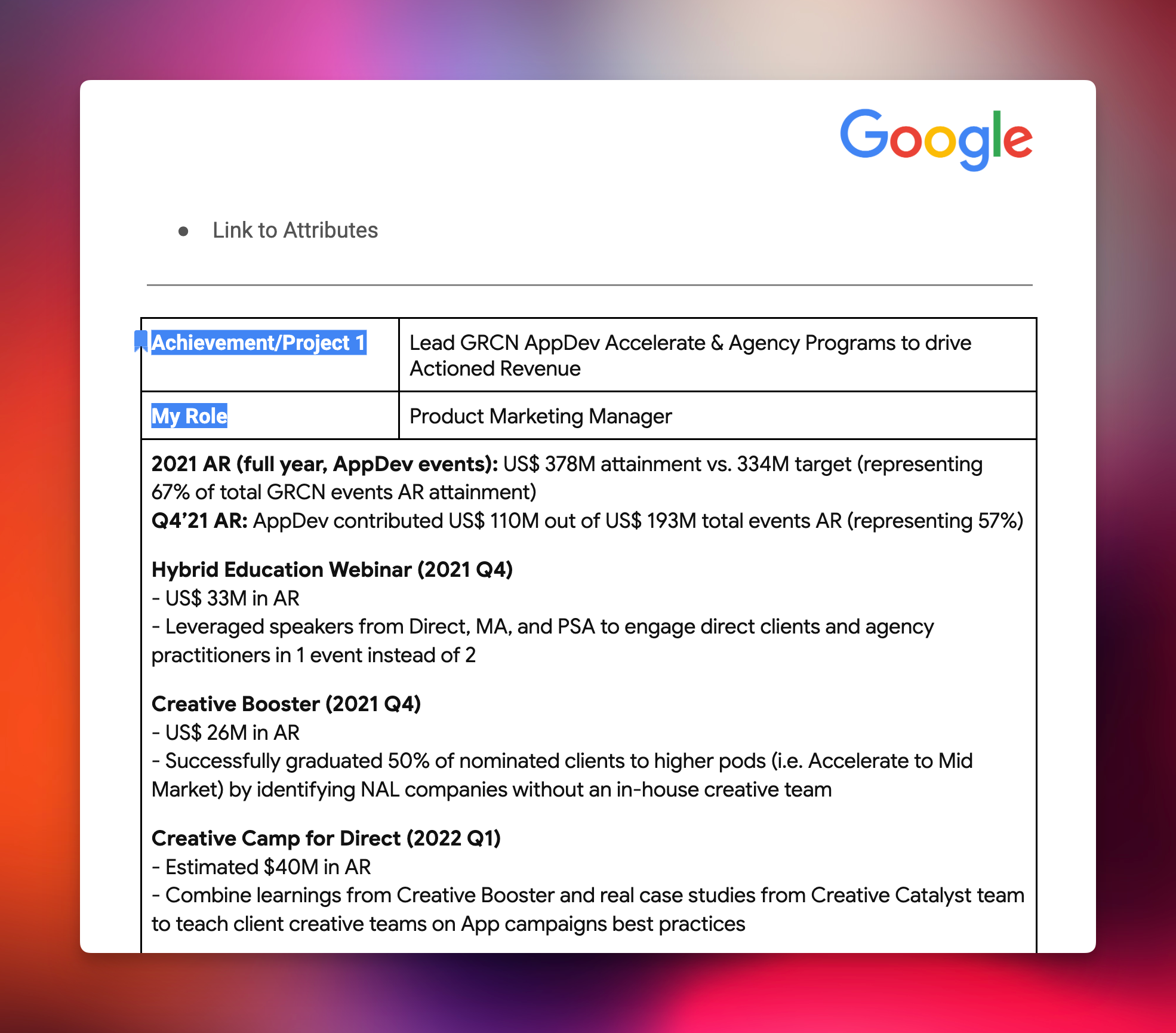
If you're anything like me, you HATE writing performance reviews. It is SUCH a waste of time. You’re basically reconstructing the past X months of accomplishments from memory and you have to “spin” it in a way that makes it seem like you’re the savior of the company.
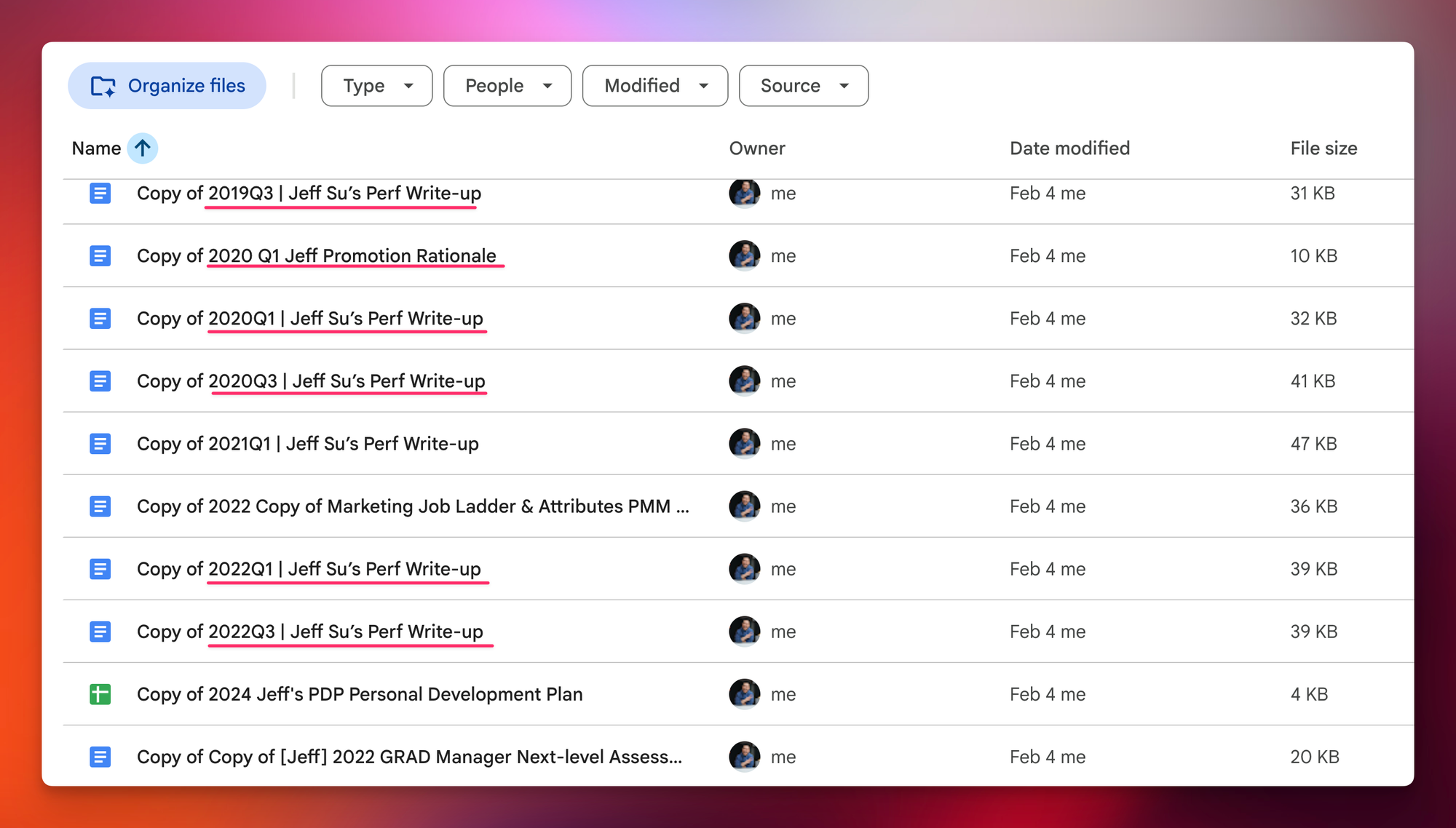
Side-note: When I left Google earlier this year I made a copy of all my past performance reviews (something you’re supposed to do) and reading through them was cringe as f***.
The painfully tedious process
Here's what usually happens when it's time to write my self-review:
- Open a blank document and stare at it.
- Try to remember what I even did in Q1.
- Dig through old emails looking for project updates.
- Check my calendar for meetings that might jog my memory.
- Scroll through Drive hoping to find that one doc with the numbers I need.
Three hours later, you have a mediocre draft that undersells your actual contributions.
Let Gemini Search Your Work History
With Gemini 3's enhanced Workspace integration, you can now ask it to search across your Gmail, Drive, Docs, and Calendar all at once and draft your review for you.
Step 1: Open Gemini (gemini.google.com) and make sure the Workspace extension is enabled (under Settings > Connected Apps)
Step 2: Use this prompt:
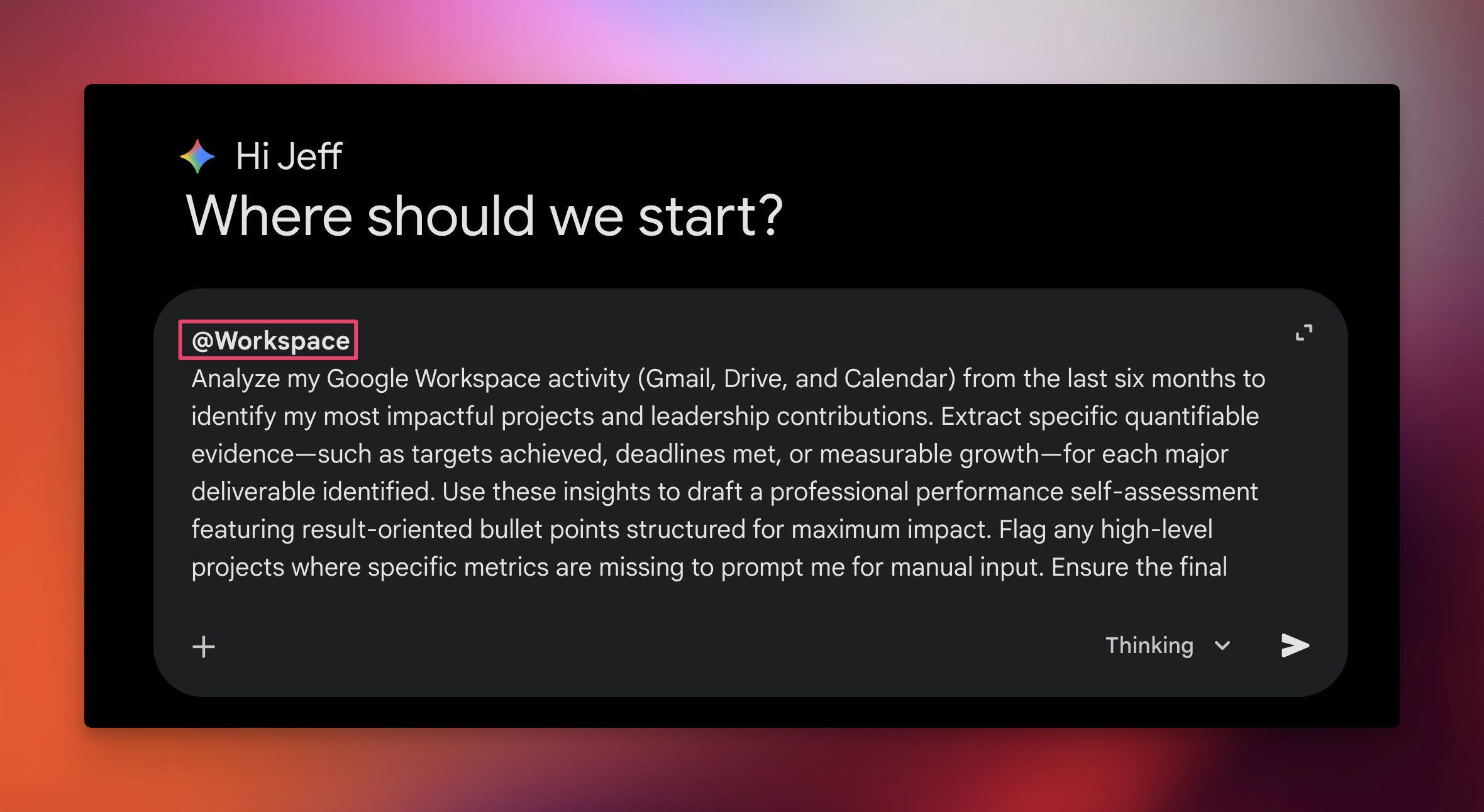
Analyze my Google Workspace activity (Gmail, Drive, and Calendar) from the last six months to identify my most impactful projects and leadership contributions.
Extract specific quantifiable evidence (such as targets achieved, deadlines met, or measurable growth) for each major deliverable identified. Use these insights to draft a professional performance self-assessment featuring result-oriented bullet points structured for maximum impact.
Flag any high-level projects where specific metrics are missing to prompt me for manual input. Ensure the final output is concise, objective, and serves as a ready-to-edit template for my review.
Step 3: Review the draft and make edits. Gemini pulls specifics directly from your actual correspondence, so you're starting with real data instead of fuzzy memories.
Why This Matters
Instead of spending an entire afternoon reconstructing your own accomplishments, you get a first draft with specifics already filled in. The numbers, the project names, the timelines... all sourced from your own work history.
This is especially powerful if you're someone who forgets to keep a "brag doc" throughout the year. Gemini essentially builds one retroactively by scanning your digital footprint.
💡
Pro tip: If your company requires a specific structure or format, upload one of your previous reviews and add this to your prompt: "Reference this file for the structure and tone." Gemini will match the format while filling in your new accomplishments.
Want more prompts like this? My Essential Power Prompts collection has 50+ plug-and-play prompts for writing, analysis, data work, and more. Over 500 people have already grabbed it, and it's the highest-rated prompt product on the Notion Marketplace.
Give this a try before your next review cycle and let me know how much time it saves you!
Whenever you're ready, here are some other ways I can help you:
💻 The Workspace Academy: Never lose a file, task, or note again with my CORE workflow for Google Workspace. Adopted by over 10,000 Googlers.
✅ Build Your Command Center in Notion: Plug-and-play dashboard that surfaces today’s priorities automatically and organizes your life in seconds. #1 rated Notion Course globally.